How to build a content calendar
On this page
A video content calendar is a schedule of what you'll publish, where and when. The simplest version that lasts: one anchor video a week (podcast, YouTube video or webinar), then a fixed slot every day for a clip or post made from it. Plan topics a month ahead, and let each week's recording fill the daily slots.
Start with the anchor
Most calendars fail because every slot needs a new idea. Fix that by making one recording the source for the week:
- A podcast episode
- A YouTube video
- A webinar, workshop or talk
- A sermon
Everything else in the calendar is cut or written from it.
A weekly template
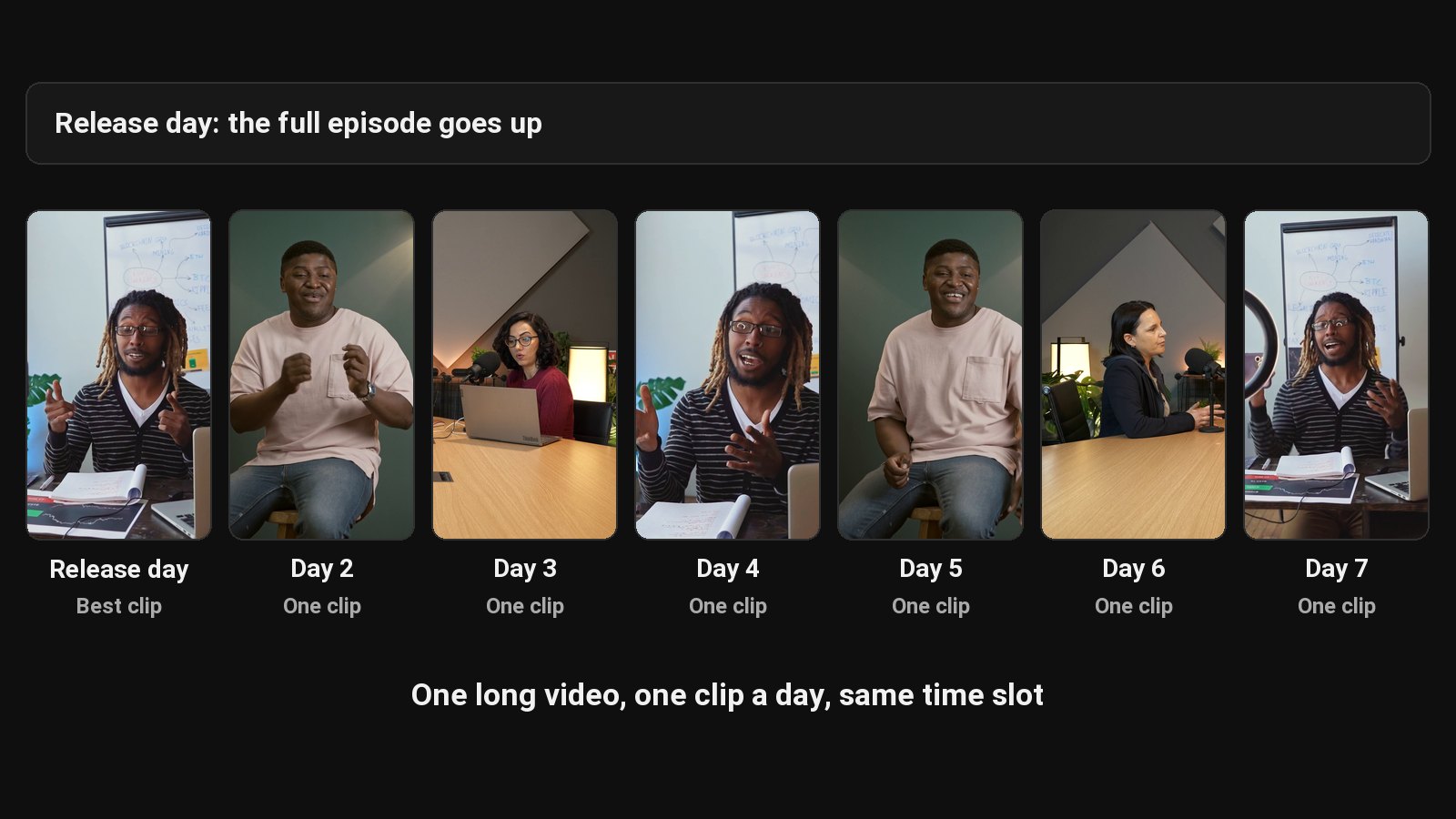
| Day | Long-form | Short-form | Written |
|---|---|---|---|
| Monday | Publish the anchor video (with chapters and description) | Clip 1 | Community post |
| Tuesday | Clip 2 | Blog post | |
| Wednesday | Clip 3 | LinkedIn post | |
| Thursday | Clip 4 | X thread | |
| Friday | Clip 5 | ||
| Saturday | Clip 6 | ||
| Sunday | Record next week's anchor | Clip 7 | Review last week's numbers |
Copy it into a spreadsheet, Notion or your calendar app. Posting times: see the best time to post YouTube Shorts.
Plan topics a month ahead
Keep a running list of topics. Once a month, pick the next four anchors. Good sources:
- Questions your audience asks in comments and DMs.
- Your best-performing past clips; make a full episode on that topic.
- Searches in YouTube autocomplete.
- Seasonal moments in your niche.
- Proven formats from the video idea generator, applied to your topic.
Fill the slots in one sitting
After recording, batch the whole week at once: cut the clips, write captions, draft the posts, schedule them. Batching is what makes a daily calendar survivable.
ClipFlame does most of the batch from one upload: captioned clips with a cover each, and on every plan, the scheduler puts them on your calendar and posts them. See repurpose video and how to schedule social media posts.
Keep it going
- Protect the anchor. If you only do one thing, record the weekly video.
- Allow empty slots. A missed clip is fine; a missed anchor breaks the week.
- Review monthly, not daily. Look at patterns over four weeks.
For the strategy behind this, read short-form video strategy.
Common questions
What should a content calendar include?
The date, platform, content type, topic, source video, status and link once published.
How far ahead should I plan?
Topics a month ahead; finished posts a week ahead.
What's the best tool for a content calendar?
Whatever you'll actually open: a spreadsheet, Notion, Trello or your calendar app.