YouTube Shorts maker
On this page
ClipFlame is a YouTube Shorts maker for creators who already publish long videos. Upload the full video and it finds the moments that work alone, cuts them into vertical 9:16 Shorts of 15 to 90 seconds, frames the speaker, and burns in captions. Your first 10 minutes of video are free.
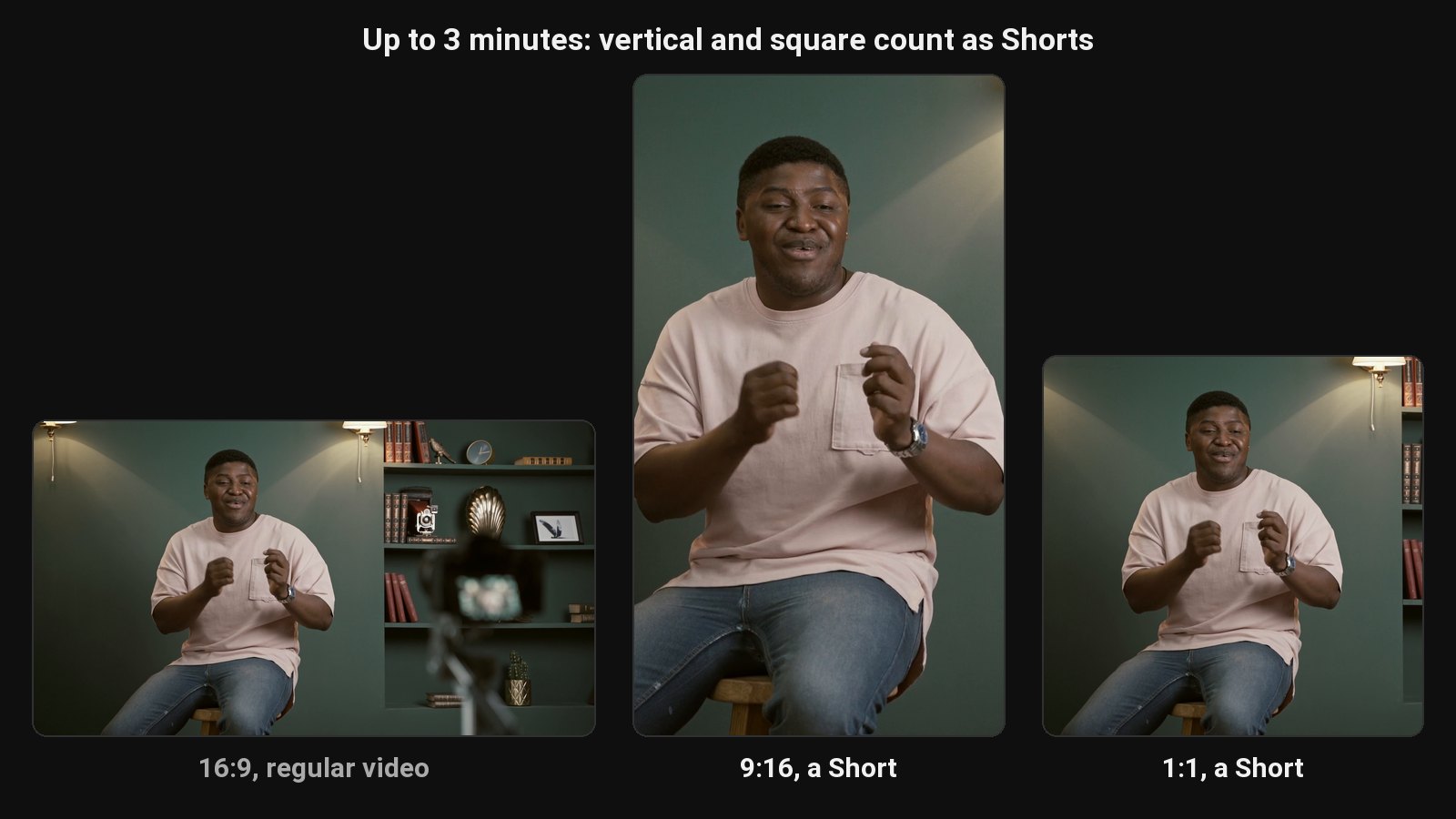
Shorts are the cheapest way to get new viewers onto a YouTube channel. The trouble is making them. Filming separate Shorts is another content schedule on top of the one you have. Cutting them from your long videos by hand means rewatching everything you've recorded. A Shorts maker cuts them from videos you've already made.
From one long video to a week of Shorts
- Upload your long video. MP4, MOV, MKV or WebM, or a Google Drive or Dropbox link.
- AI picks the moments. It reads the transcript for complete thoughts with a strong opening: an opinion, a surprising number, a story with a punchline.
- It cuts and reframes. Each Short starts and ends on a full sentence, and the vertical crop centres on the person in each shot.
- Captions go on, word by word, in one of seven styles.
- You review, adjust anything, and download them all as a ZIP.
Made to YouTube's Shorts rules
- Vertical 9:16, 1080 wide, which is what the Shorts feed shows full-screen.
- Under 3 minutes. YouTube allows Shorts up to 3 minutes; ClipFlame's clips run 15 to 90 seconds, mostly 20 to 60, which is where most Shorts perform. More in how long YouTube Shorts can be.
- Captions burned in, because most people start watching with the sound off.
Need a square or 4:5 version for Instagram and Facebook feeds? Every clip also renders in 1:1 and 4:5.
Why Shorts from your long videos work
A Short cut from a long video has a built-in next step. Someone who likes 40 seconds of your argument can tap through to the full video, and YouTube lets you link a Short to a related video right in the player. Clips from long videos tend to be denser too: you've already said the good thing with context, and the Short keeps just the good thing.
For posting cadence and what to post first, see how to get views on YouTube Shorts and the best time to post Shorts.
Posted to your channel
On every plan, the scheduler uploads each Short to your YouTube channel at the time you pick, with the title and description you write, and can send the same clip to Instagram, TikTok and Facebook.
Pricing
| Plan | Price | Video a month | Shorts |
|---|---|---|---|
| Free trial | $0 | 10 minutes, once | As many as the video has |
| Starter | $19/mo | 4 hours | As many as each video has, with your watermark and end card |
| Pro | $39/mo | 20 hours | Same as Starter |
Each upload uses as many minutes as it is long, so a 30-minute video uses 30 minutes. Shorts aren't counted, so you never pay per Short.
Growing the channel as a whole? See how to grow a YouTube channel.
Common questions
Does ClipFlame tell me which clips are best?
Yes. Every clip gets a virality score from 0 to 100, clips come sorted best first, and clips scoring 80 or more are highlighted. Each video gives up to 20 clips, so you can post the strongest first.
Can I turn a YouTube video into Shorts with AI?
Yes. Upload the original file, or use a Google Drive or Dropbox link, and ClipFlame cuts the Shorts for you.
Can I make Shorts from someone else's YouTube video?
Only with the owner's permission. Reposting other people's content can also fall under YouTube's reused content policy for monetisation.
Do Shorts made from long videos get monetised?
Yes, Shorts from your own long videos count toward the YouTube Partner Program like any other Short. See YouTube Shorts monetization for the thresholds.
Does ClipFlame upload the Shorts to my channel?
Yes, on every plan. Connect your channel, schedule each Short, add a title and description, and it uploads at that time. See the scheduler.