Never miss a viral moment
AI reads every minute of your video, so your best lines get posted instead of forgotten.
ClipFlame's AI finds the viral-worthy moments in your long video and cuts them into captioned vertical Shorts. For your long video, you get chapters, an SEO description and tags, and thumbnails from viral templates. Everything comes in one ZIP.
Why creators use ClipFlame
You did the hard part when you hit record. ClipFlame turns it into content that gets watched and found.
AI reads every minute of your video, so your best lines get posted instead of forgotten.
No scrubbing, cropping, captioning or writing. Your clips are ready while you record the next video.
The long video gets chapters, an SEO description and tags, so the full upload gets found too.
Fresh clips from every recording keep your feed busy without extra filming.
By hand vs ClipFlame
Clips are only the start. Each one needs captions, a title and a post, and the full upload needs chapters, a description, tags and a thumbnail. ClipFlame does all of it from one upload.
Hours per episode
Minutes per episode
How it works
Four steps. The cutting, captioning and writing happen while you record the next one.
Drop in an MP4, MOV, MKV or WebM file up to 4 GB, or paste a Google Drive or Dropbox link.
It cuts the viral moments into captioned clips framed on the speaker, then writes the long video pack, thumbnails and posts for your blog, X and LinkedIn.
Trim a clip, fix a word, change the caption style or thumbnail text. Re-renders never use a video.
Get everything in one ZIP. The posting calendar emails you each clip and its caption when it's time to post.
Captions
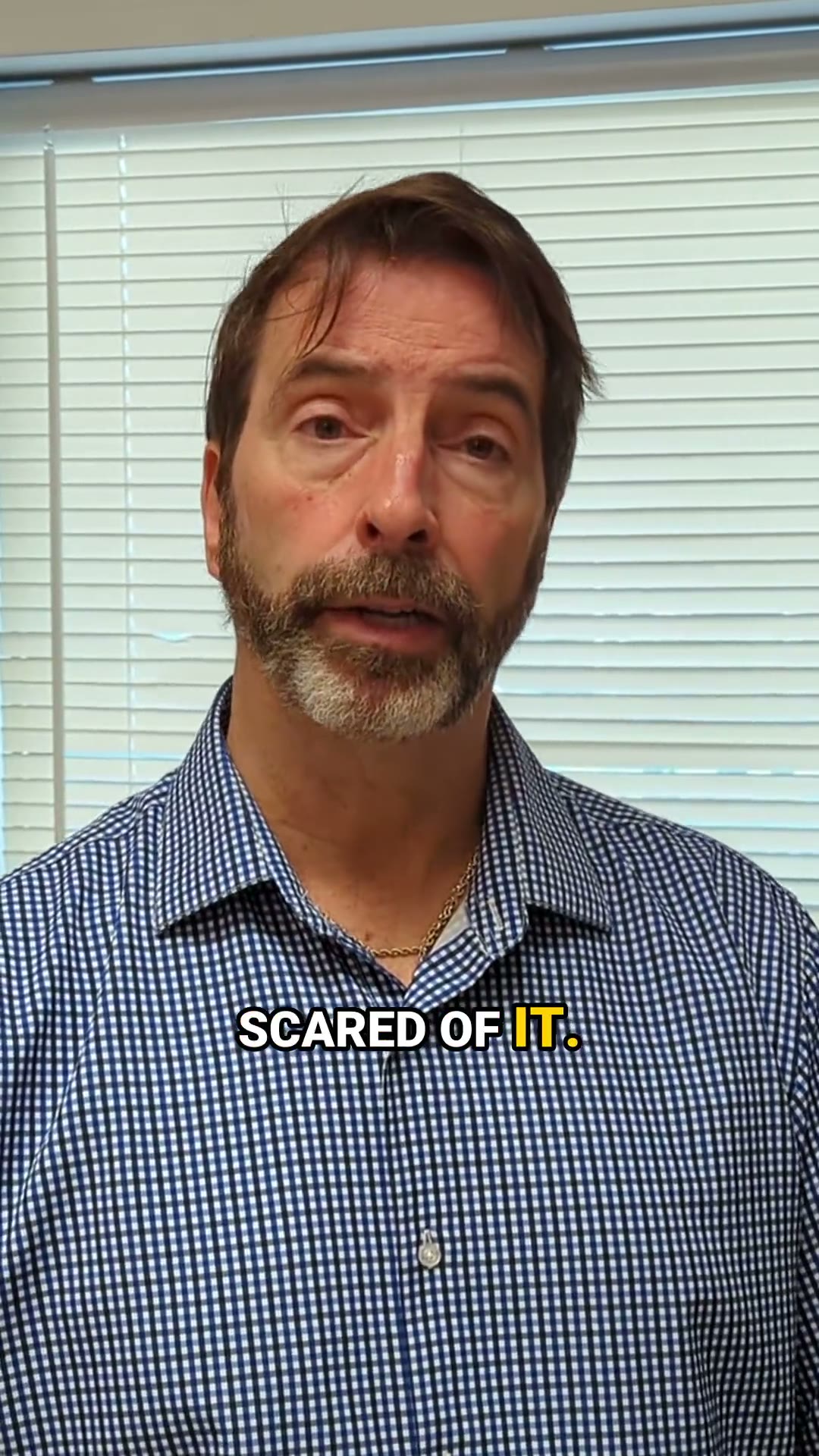
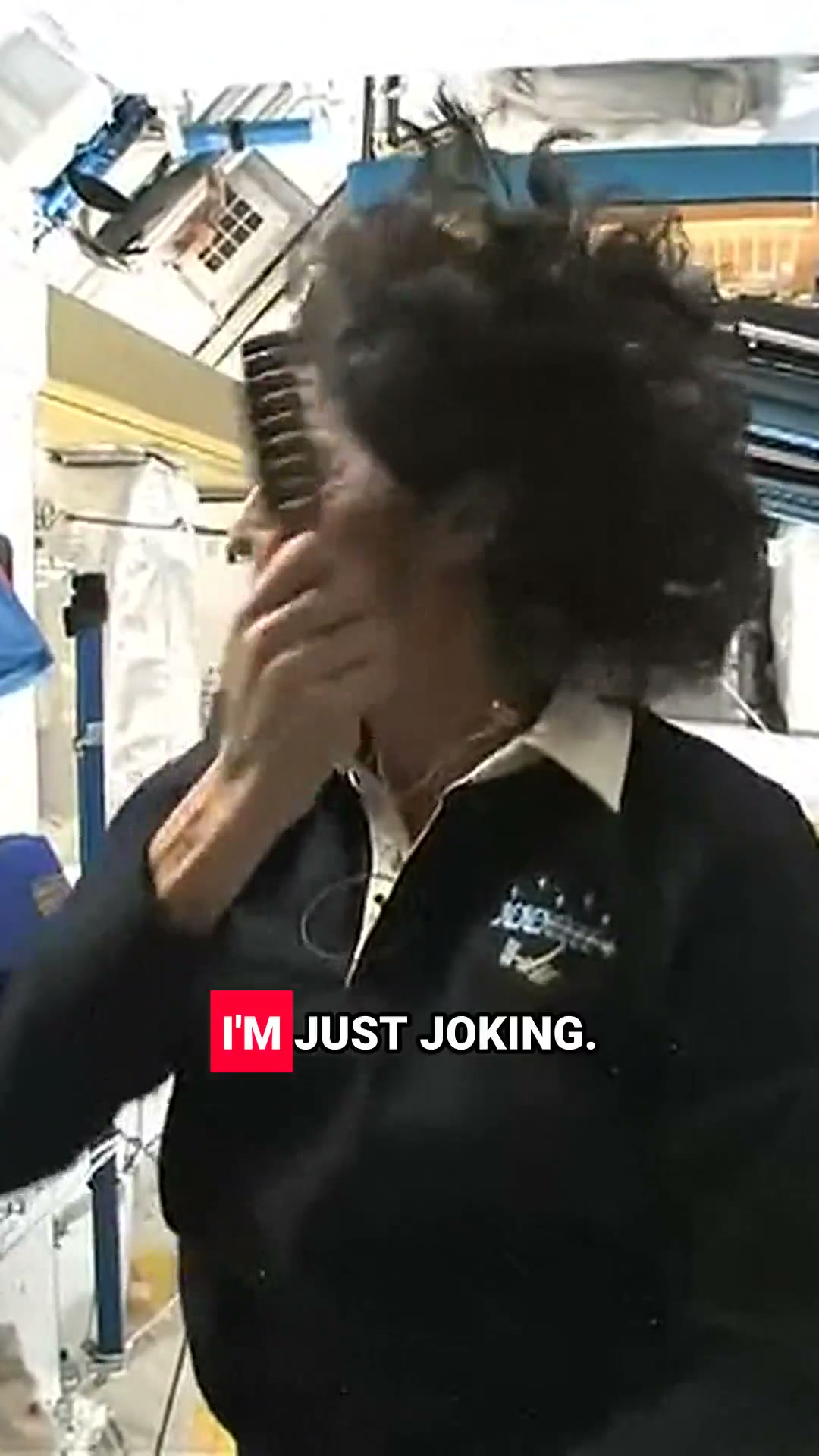
Many people scroll with the sound off, so every word appears on screen as it is spoken, in any of 15 languages. Seven styles, three of them in your brand colour. Switch clip by clip and re-render for free.
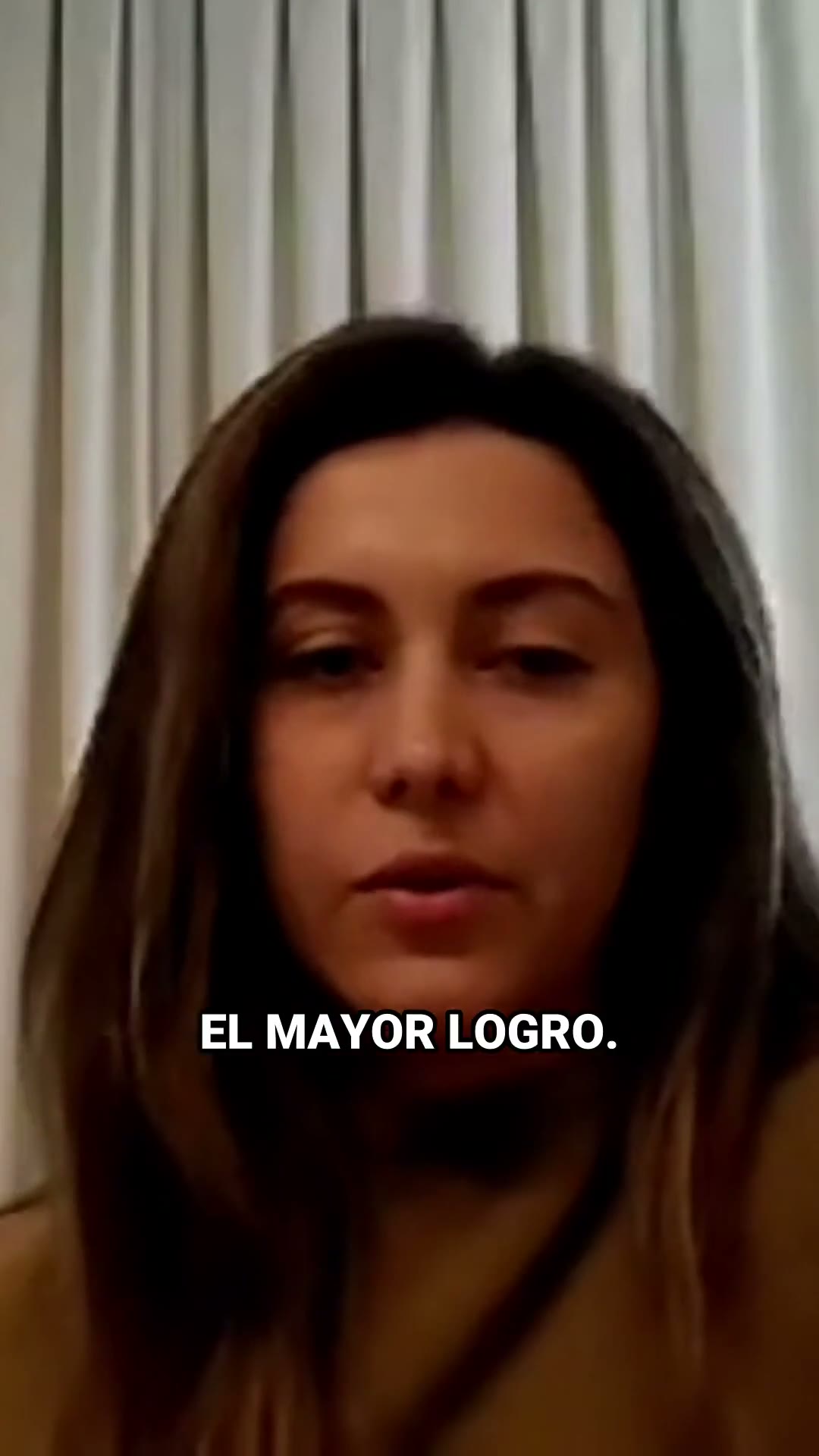
ClipFlame detects the spoken language on its own. Captions, hooks, titles, descriptions and the long video pack all come out in that language, with proper fonts for Indian scripts. Two of the Shorts above are in Spanish.
Arabic, Chinese and Japanese are next.
What you get
A Shorts video pack for the feeds and a long video pack for the full upload, written from what you actually said.
Every viral-worthy moment, ready for Shorts, Reels and TikTok.
Everything the full upload needs to get found and clicked.
Nudge the start and end, fix a caption word or switch the style. Re-rendering never uses a video.
One ZIP with both packs. Single clips download on their own too.
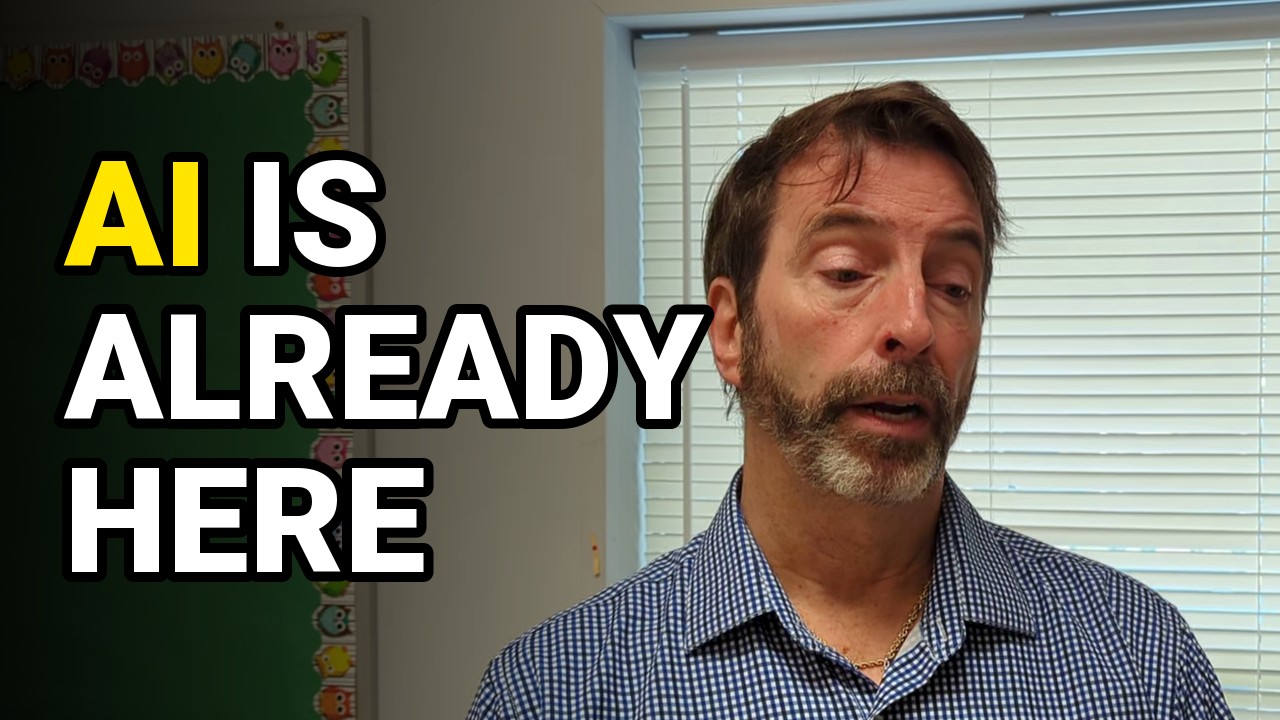
ClipFlame picks a frame where the face is sharp and the eyes are open, writes the text from what was said, and sets it in your brand colour, in the video's language. Change the words or pick another frame any time.
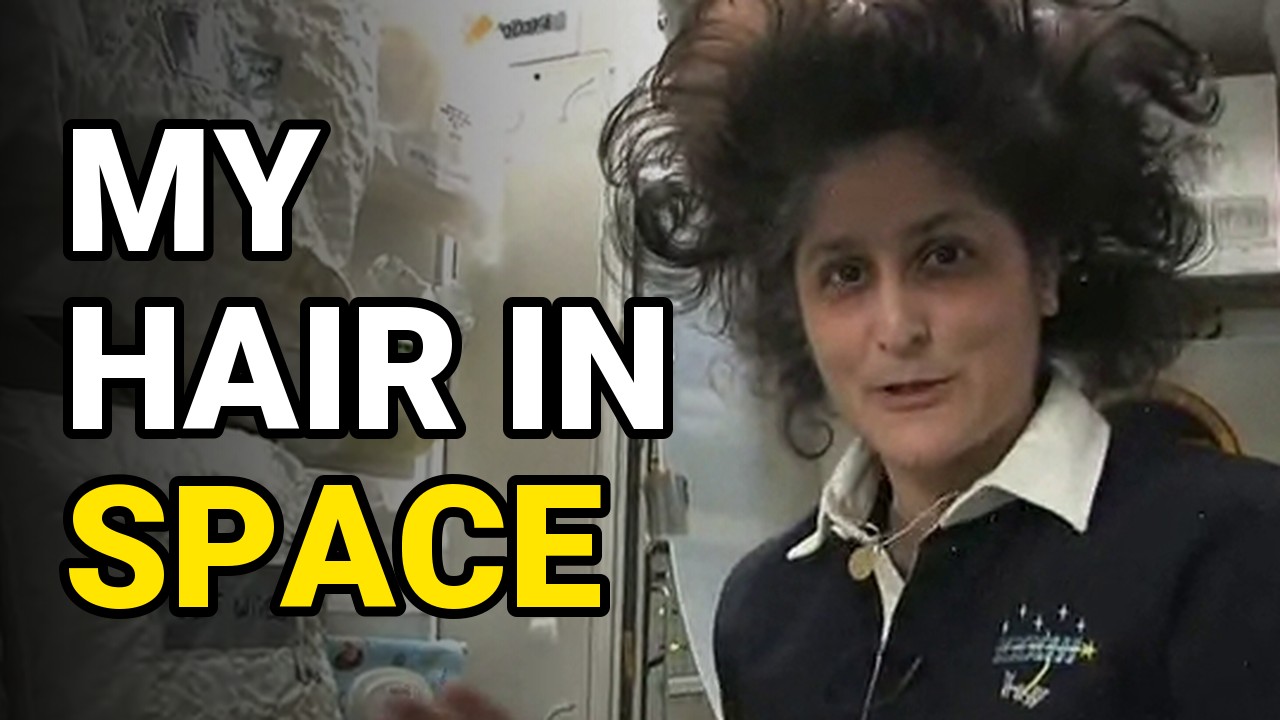
A big, sharp face and a few bold words, one of them in your colour. The classic high-click layout.
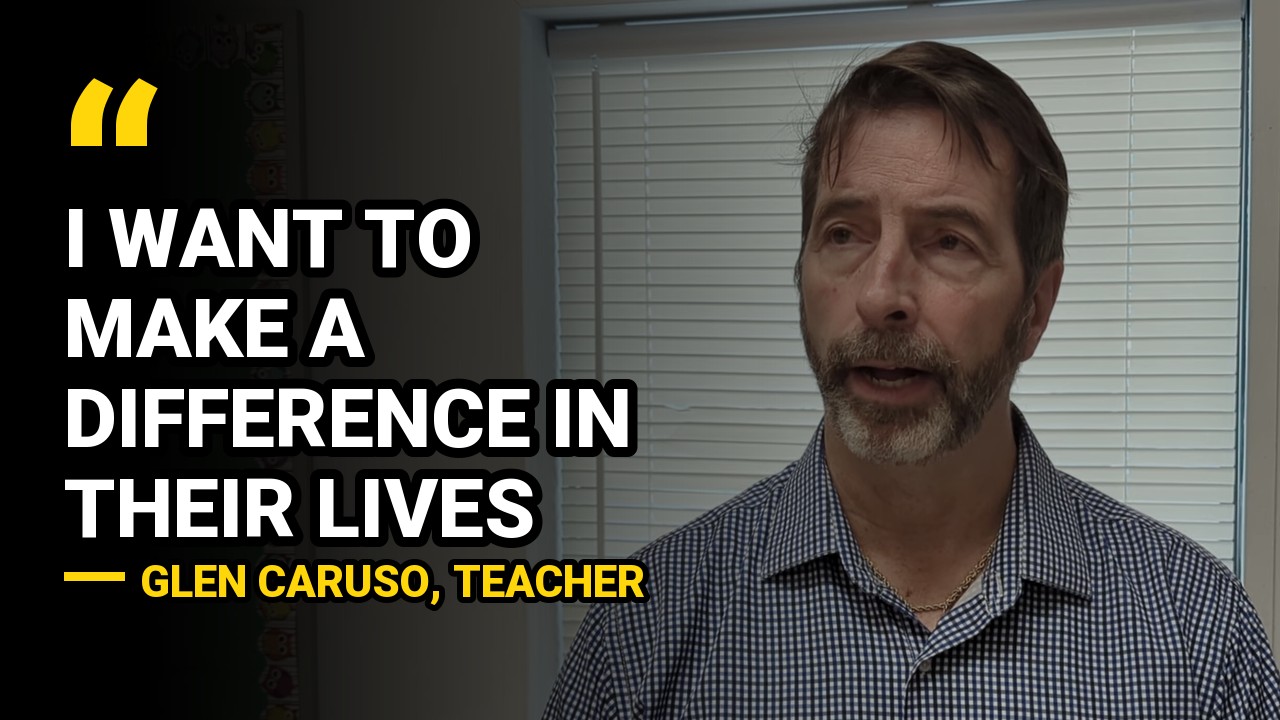
The line people will repeat, with the speaker's name under it. Made for interviews and podcasts.
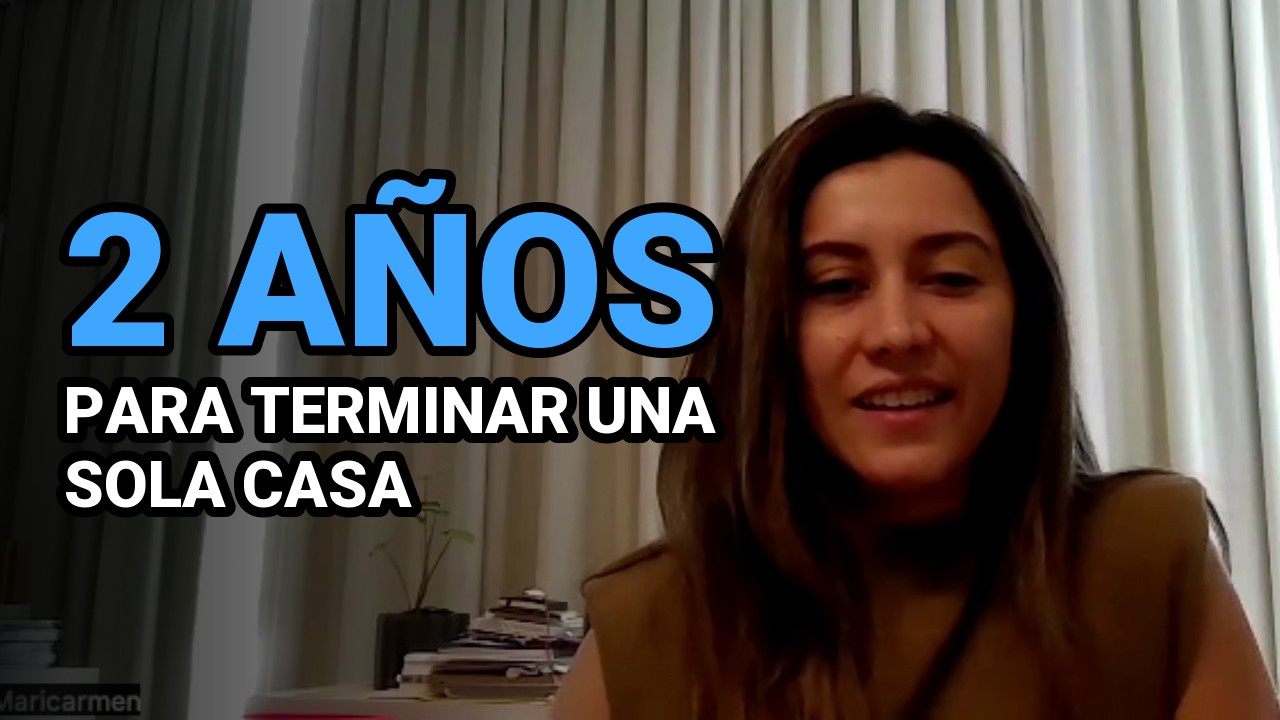
One striking number from the video with a short line of context. No number in the video? You get a headline instead.
Who it's for
If your videos are mostly someone talking, ClipFlame can find the moments worth sharing.
Turn every episode into scroll-stopping clips for Shorts, Reels and TikTok. A two-hour episode counts as one video.
Fill your Shorts shelf with the best moments of videos you already made, and point viewers back to the full upload.
Turn talks, webinars and Q&As into clips that show what you know.
Formats
Pick the shape when you upload. ClipFlame reframes every shot around the speaker, so nobody gets cut out of frame.
Use case: a podcaster posts the episode's best 45 seconds to Shorts, Reels and TikTok the day it comes out.
Use case: a coach answers a client question in a webinar and posts that minute to LinkedIn, where 4:5 fills the screen as people scroll.
Use case: a consultant shares a talk highlight that looks the same on a phone and on a desktop feed.
On your phone, tap Share on any clip to send it straight into the app, with the caption already copied.
YouTube Shorts, Instagram, TikTok and LinkedIn are trademarks of their owners. ClipFlame is not affiliated with or endorsed by them.
Pricing
A two-hour podcast costs the same as a ten-minute vlog. Your first video is free, and re-renders are always free.
Limited-time offer: 50% off every paid plan
See it work on your own video
1 video, no card needed
For one video a week
4 videos, $3.75 each
For two or three videos a week
10 videos, $3 each
Failed jobs never count. Cancel any time.
FAQ
Upload the video file. ClipFlame's AI finds the viral-worthy moments, cuts them, frames the speaker for vertical and adds word-by-word captions. You download everything as one ZIP.
AI reads the whole transcript and looks for complete thoughts with a strong opening line: an opinion, a surprising number, a story with a punchline. Every clip has to make sense without the rest of the video.
Between 15 and 90 seconds, most of them 20 to 60. Each one starts and ends on a full sentence, so it works as a Short, a Reel or a TikTok.
No. We never log in to your accounts. You download the clips and post them yourself.
Yes. In the editor you can move the start and end, fix any word, change the caption style, and re-render. Re-renders are free.
One upload counts as one video, whatever its length, up to your plan's limit: 2 hours on Starter and 3 hours on Pro. Failed jobs don't count. Unused videos don't roll over to the next month.
Arabic, Chinese and Japanese captions, and web push reminders from the posting calendar.
No. Downloading from YouTube breaks its terms, so upload the original file instead, or paste a Google Drive or Dropbox link.
Talking videos: podcasts, interviews, tutorials, coaching, commentary and vlogs. Clear speech gives the best clips.
English, Spanish, Portuguese, French, German, Italian, Dutch and Russian, plus Hindi, Marathi, Bengali, Gujarati, Tamil, Telugu and Kannada. ClipFlame detects the spoken language on its own, and captions, titles, descriptions and the long video pack come out in that language. Arabic, Chinese and Japanese are next.
Only if you own it or have permission.
Upload it and let ClipFlame find it. Your first video is free.
Find your viral moments free