Sermon clips for churches
On this page
Churches use ClipFlame to turn each week's sermon into short captioned clips for Instagram Reels, YouTube Shorts, Facebook and TikTok. Upload the service or sermon video and it picks the moments that stand on their own, cuts them to vertical, frames the preacher, and adds readable captions. Then it posts them through the week, at the times you pick.
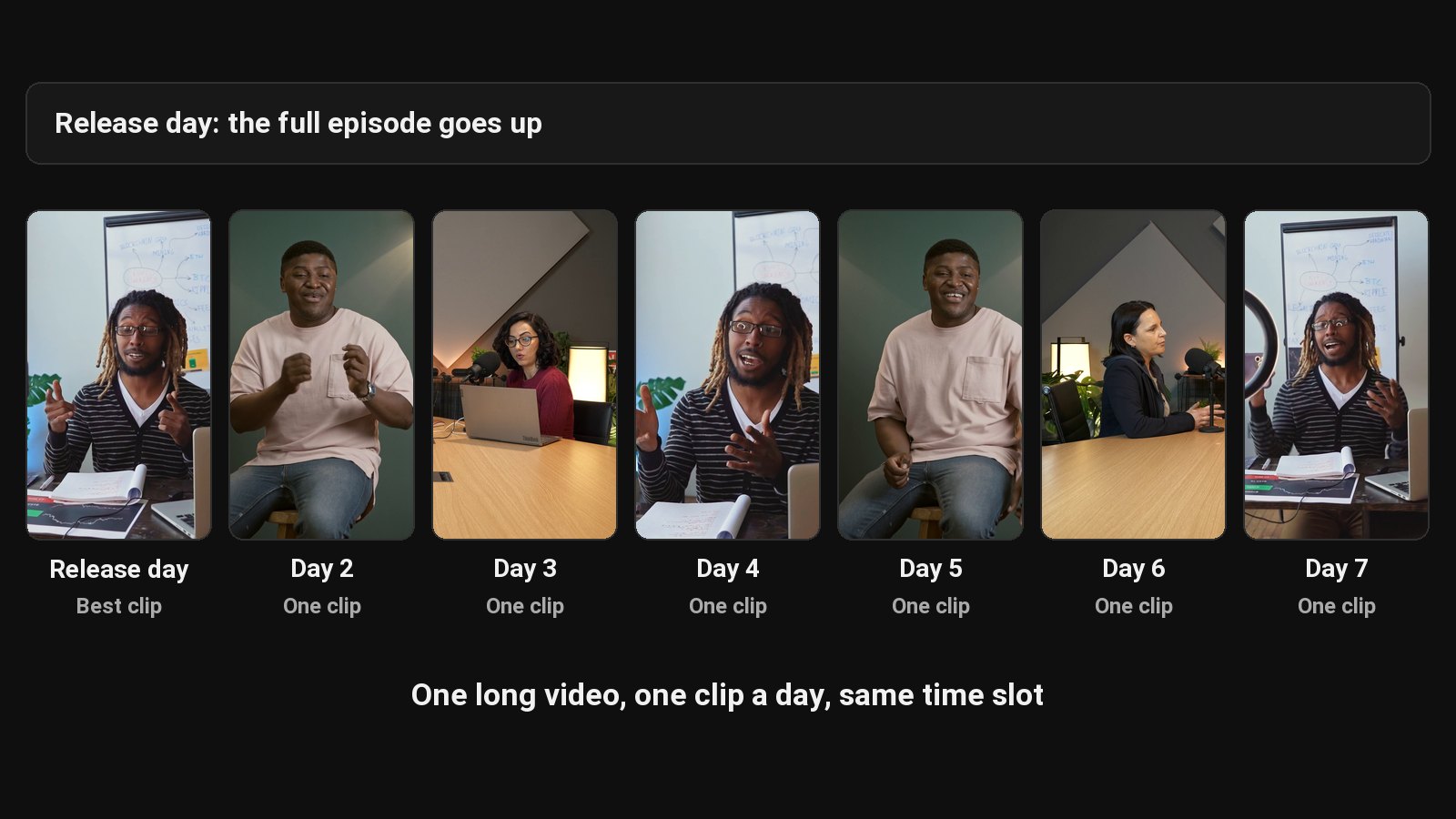
A sermon takes hours to prepare and is heard once, by the people in the room and the few who watch the stream. Short clips carry the message through the week: to members who missed Sunday, to people scrolling past on a Tuesday, to someone who'd never walk into a church but will watch 45 seconds on their phone.
Most church media teams are volunteers, or one staff member doing everything. Cutting clips by hand on a Monday is usually the job that doesn't get done.
How it works
- Upload the sermon (MP4, MOV, MKV or WebM, or a Google Drive or Dropbox link). A whole service fits in one upload; trim off the worship set first if you only want sermon clips, since the AI works from speech.
- ClipFlame transcribes and reads it, looking for complete thoughts with a strong opening: a story, a striking line, a clear application.
- It cuts clips of 15 to 90 seconds that start and end on full sentences, so no clip starts mid-verse or cuts off before the point.
- The vertical frame follows the preacher, panning when they walk the stage.
- Captions are burned in word by word, so the clips work with the sound off.
- You review before anything goes out. Drop any clip that loses meaning out of context, fix a name or a scripture reference, and re-render for free.
Why review matters for sermon clips
Out of context, a line can say something the sermon didn't. ClipFlame picks clips that make sense on their own, but you know the message. Read each clip as a stranger would before posting. It takes a few minutes and it's the part to never skip.
Captions people can read
Most short videos are watched muted at first, and many viewers in any congregation are hard of hearing. ClipFlame burns in word-by-word captions in seven styles; Clean and Boxed are the calm, readable choices many churches prefer. See how to add captions to a video for what makes captions easy to follow.
Sermons in 9 languages
ClipFlame detects the spoken language and captions in it: English, Spanish, Portuguese, French, German, Italian, Dutch, Russian and Hindi. That covers many Spanish, Portuguese and Hindi-speaking congregations.
Posting through the week
- Scheduling on every plan: put each clip on the calendar and the scheduler posts it to YouTube, Instagram, Facebook and TikTok, so a clip goes out every day until next Sunday.
- Brand kit on every paid plan: your church's logo as a watermark and an end card with your service times or website.
Pricing
| Your church | Plan | Price |
|---|---|---|
| One sermon a week, up to 45 minutes | Starter | $19/month (4 hours of video a month) |
| Whole services, or a sermon plus a midweek service or youth talk | Pro | $39/month (20 hours of video a month) |
Each upload uses as many minutes as it is long. Your first 10 minutes of video are free, with every feature.
Common questions
Does ClipFlame tell me which clips are best?
Yes. Every clip gets a virality score from 0 to 100, clips come sorted best first, and clips scoring 80 or more are highlighted. Each video gives up to 20 clips, so you can post the strongest first.
How many sermon clips should we post a week?
Three to five is plenty for most churches. Consistency beats volume: one clip a day through the week keeps Sunday's message in front of people.
Can volunteers use it?
Yes. There's no editing software to learn. Upload, review, download.
Does it post to our church's social accounts?
Yes, on every plan. Connect the church's YouTube channel, Facebook Page, Instagram or TikTok, and schedule the week's clips from Sunday's sermon in one sitting. See the scheduler. You can also download the clips or share them from a phone.