ClipFlame for real estate agents
On this page
Real estate agents use ClipFlame to turn their talking videos (market updates, buyer and seller Q&As, neighbourhood guides, walkthrough commentary and podcasts) into short captioned Reels, Shorts and TikToks. It works best where you're explaining something on camera; for silent property footage, use a regular editor.
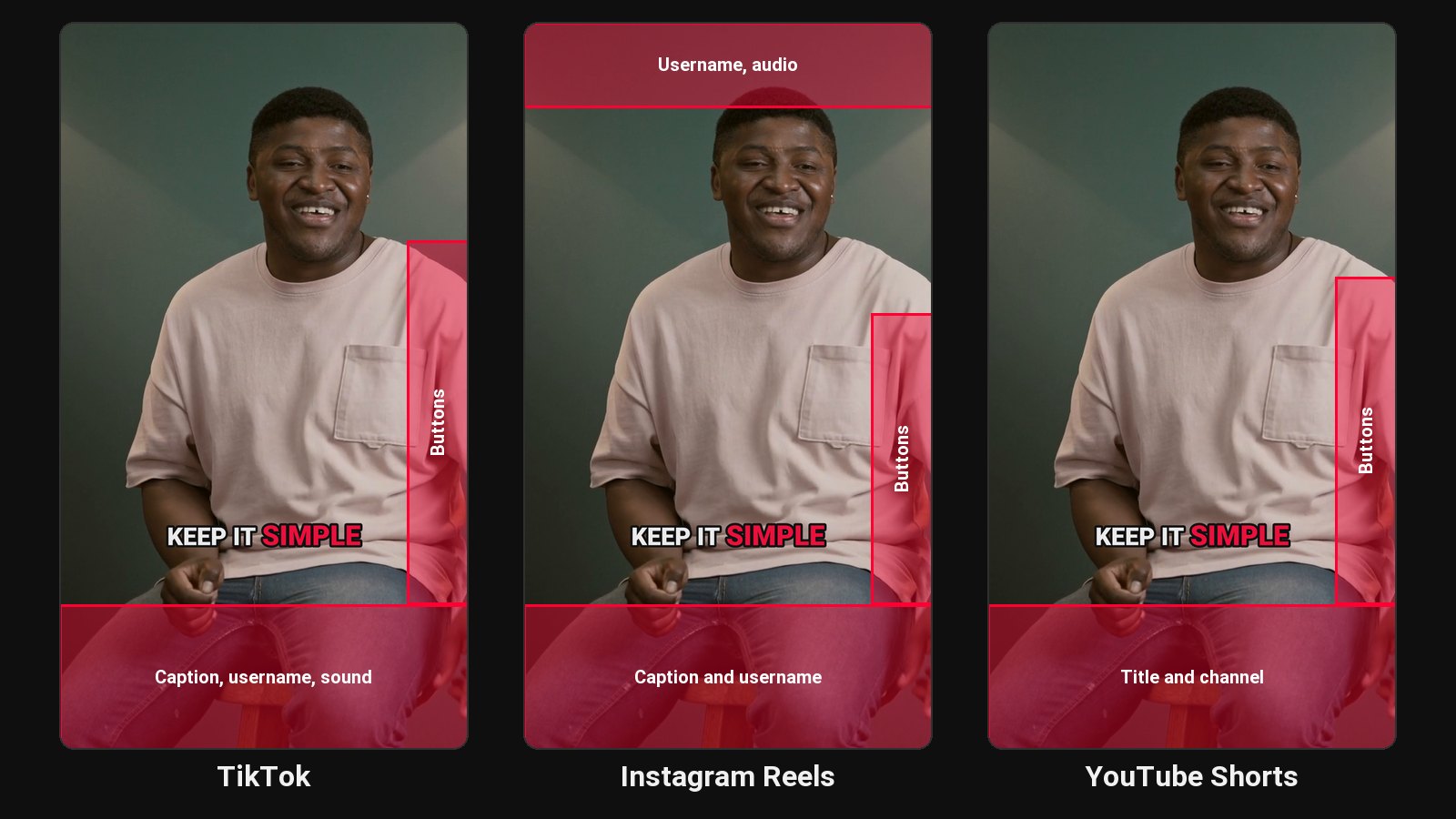
In real estate, people hire the agent they already feel they know. Short videos of you explaining the local market, answering the questions buyers are scared to ask, or walking through what a neighbourhood is really like do that job. The problem is time: you record a 30-minute market update and never get round to cutting it.
What works, and what doesn't
ClipFlame picks clips by reading what's said. That makes it great for:
- Monthly market updates: "What rates did this month, what it means for buyers".
- Buyer and seller Q&As: each answer becomes a clip.
- Neighbourhood guides where you talk to camera.
- Walkthroughs with commentary: the moments where you explain a feature or a price.
- Real estate podcasts and interviews with lenders, inspectors, local business owners.
It's not the tool for silent drone shots or music-backed listing videos; there's nothing in the transcript to pick from.
What each upload gives you
- Clips in 9:16 for Reels, Shorts and TikTok, and 4:5 or 1:1 for Facebook and Instagram feeds.
- Word-by-word captions, so clips work muted, in seven styles.
- On every paid plan: your brokerage logo as a watermark and an end card with your contact details.
A simple weekly routine
- Record one 20 to 30-minute talking video a week, such as a market update or Q&A.
- Upload it to ClipFlame.
- Review the clips, especially any numbers, rates or addresses.
- Post one clip a day on Instagram and Facebook. See the Facebook Reels maker.
Check your compliance rules
Real estate advertising is regulated in most places. Review every clip for claims, numbers and required disclosures before posting, and add your licence details to the end card if your local rules require it.
Posting mainly to Instagram? See the Instagram Reels maker and how to make a Reel. Want the words readable with the sound off? See how to add captions to Facebook Reels.
Pricing
Starter $19/month for 4 hours of video a month; Pro $39/month for 20 hours. Both include the brand kit. Your first 10 minutes of video are free.
Common questions
Does ClipFlame tell me which clips are best?
Yes. Every clip gets a virality score from 0 to 100, clips come sorted best first, and clips scoring 80 or more are highlighted. Each video gives up to 20 clips, so you can post the strongest first.
Can ClipFlame make listing videos from photos?
No. It clips videos where someone is speaking.
Can I add my contact details to every clip?
Yes, on every plan. The brand kit adds an end card and watermark to every clip.