ClipFlame for agencies
On this page
Agencies use ClipFlame to turn each client's long videos (podcasts, webinars, interviews, YouTube videos) into up to 20 captioned vertical clips per video, each scored for virality and scheduled to the client's channels. Pro includes 20 hours of video a month, enough for three clients with a one-hour video a week each, and runs up to three client brands under one login, each with its own clips, accounts and brand kit.
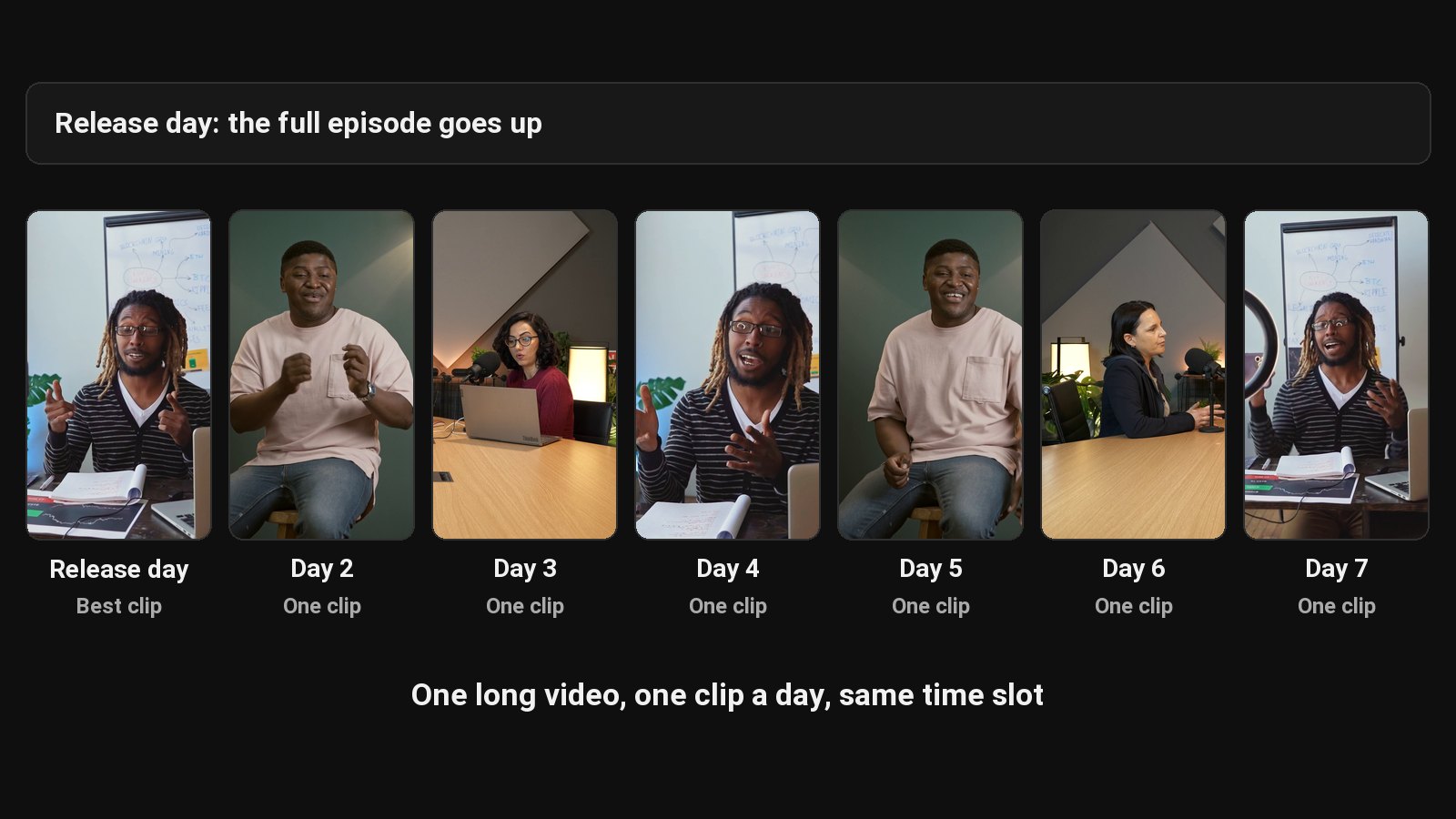
For an agency, clipping is a margin problem. A retainer covers "10 clips a week" for a client, and someone on your team spends hours finding, cutting and captioning them. AI tools save that time, and the price per hour of video decides your margin. ClipFlame handles both: the AI finds, scores and cuts the clips, and Pro's 20 hours a month come to under $2 per hour of client video.
What your team gets per client video
| What you get | |
|---|---|
| Clips | Up to 20 per video, 15 to 90 seconds, cut on full sentences |
| Ranking | A 0-100 virality score on every clip, best first, top clips highlighted |
| Formats | 9:16, 4:5 and 1:1, framed on the speaker |
| Captions | Word by word in seven styles, in the client's brand colour |
| Brand kit | The client's watermark, end card and caption colour on every clip |
| Copy | A title, caption and hashtags written for each platform |
| Posting | The scheduler posts to YouTube, Instagram, TikTok and Facebook |
| Languages | 9, detected automatically, with caption translation |
Your team's time moves from cutting to reviewing and posting: open the top-scored clips first, drop the weak ones, fix names, re-render for free.
Running several clients
| Setup | How it works |
|---|---|
| Pro, up to 3 brands | One login, three client brands. Each brand has its own clips, connected social accounts and brand kit. Usage is shared: 20 hours of video and 750 scheduled posts a month. |
| More than 3 clients | Add a ClipFlame account per extra group of clients, so every client's channels and brand kit stay separate. |
| Your own scheduler | If your workflow runs through Buffer, Later or Hootsuite, download each client's clips as a ZIP and load them there. |
The per-client maths
| Client load | Plan | Monthly cost | Per client |
|---|---|---|---|
| One client, a weekly 45-minute podcast (3 to 4 hours a month) | Starter | $19 ($16 yearly) | $19 |
| Three clients, three one-hour videos a month each (9 hours) | Pro, 3 brands | $39 ($32 yearly) | $13 |
| Three clients, a one-hour video a week each (12 to 15 hours) | Pro, 3 brands | $39 ($32 yearly) | $13 |
Each upload uses as many minutes as it is long. Failed jobs never count, and unused hours don't roll over.
A client-ready workflow
- The client sends the final edit as a Google Drive or Dropbox link.
- Paste the link into that client's brand in ClipFlame.
- Review the clips, starting with the highest scores; fix names and brand terms.
- Send the client the clips, with the draft post text, for approval.
- Schedule the approved clips to the client's connected accounts.
Common questions
Does ClipFlame tell me which clips are best?
Yes. Every clip gets a virality score from 0 to 100, clips come sorted best first, and clips scoring 80 or more are highlighted. Each video gives up to 20 clips, so you can post the strongest first.
Does ClipFlame support multiple brands in one account?
Yes, on Pro: up to three brands under one login, each with its own clips, social accounts and brand kit.
Can I white-label ClipFlame?
Your client's own watermark and end card go on every clip.
How do I pick which clips to send a client?
Start with the virality scores. Clips come sorted best first, and anything scoring 80 or more is highlighted.
What types of client videos work best?
Talking videos: podcasts, webinars, interviews, talks and tutorials.