Caption translator
ClipFlame's caption translator burns translated, word-by-word captions into every clip it cuts from your long video. Pick one of 9 languages before you start: the captions, title, caption text and hashtags come out in that language, timed to the speaker. The voice stays as recorded.
How it works
- Upload a long video or paste a Google Drive or Dropbox link.
- Under More options, set Captions in to the language your audience reads.
- ClipFlame transcribes the video in the spoken language, picks the clips, and translates the sentences in them.
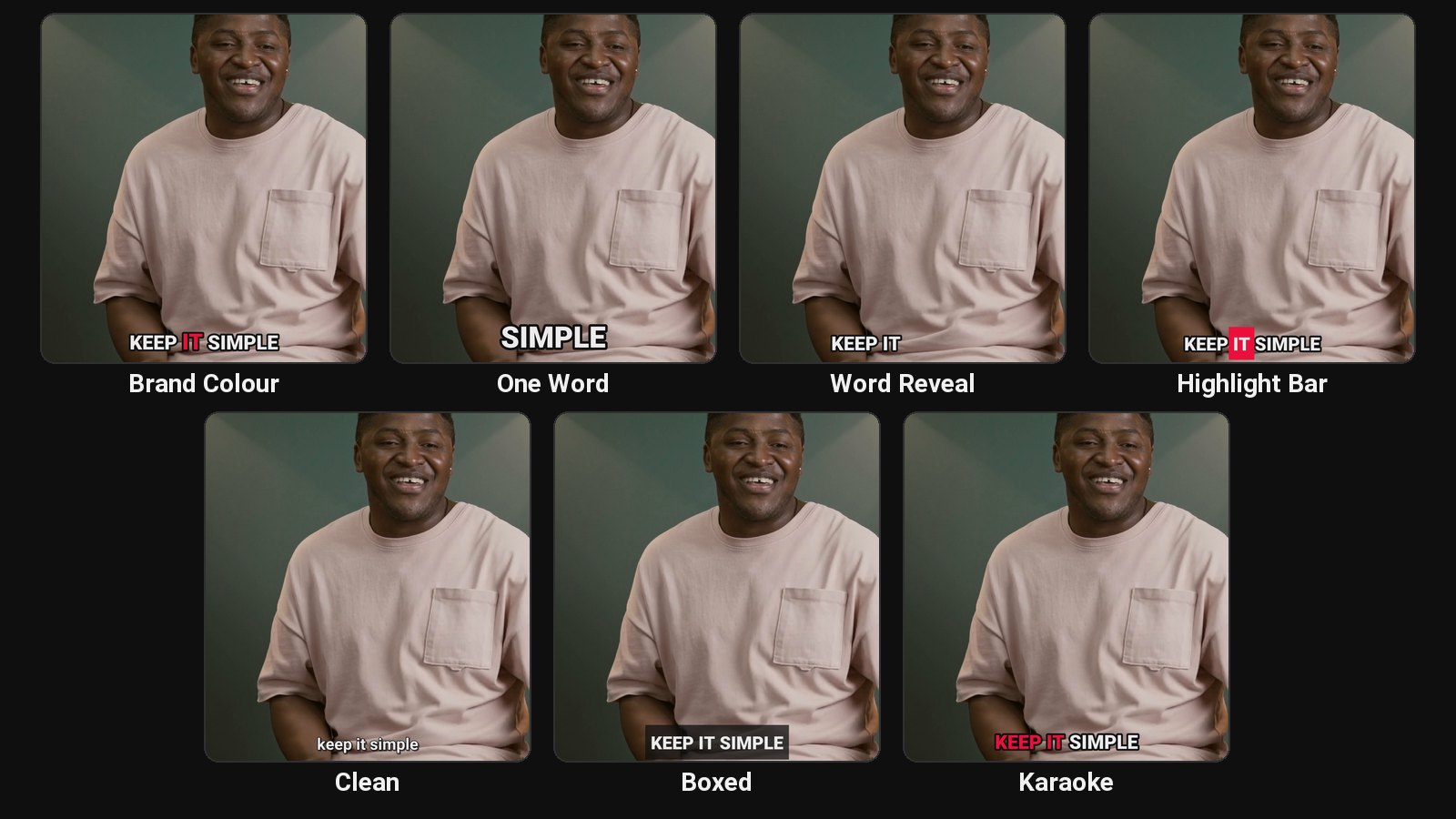
- Each translated sentence is laid over the time the speaker takes to say it, so the highlighted word keeps pace with the voice. Pauses and "um"s are still cut out.
The title, caption and hashtags for each platform are written in the caption language too, so the whole post reads as one.
Languages
Any of the 9 languages ClipFlame captions in, in any direction: English, Spanish, Portuguese, French, German, Italian, Dutch, Russian and Hindi. Hindi captions are written in Devanagari with a font that renders conjuncts properly.
Common pairs:
| Spoken | Captions | Why |
|---|---|---|
| English | Spanish or Portuguese | Reach Latin American and Brazilian viewers with the same clip |
| Hindi | English | Indian creators reaching a wider English-reading audience |
| Spanish | English | Interviews and talks posted for an international feed |
| English | Hindi | Courses and coaching clips for Hindi readers |
Fix any word
Translation can miss names, slang and jargon. Open the clip in the editor, click a word and type the fix, then re-render. Re-renders are free.
What it doesn't do
It doesn't dub. The speaker's voice stays in the original language, which most viewers prefer on talking clips anyway. If you need a voice-over in another language, use a dubbing tool on the finished clip.
Pricing
Translation is included on every plan at no extra cost: Starter $19/month for 4 hours of video a month, Pro $39/month for 20 hours. The first 10 minutes are free.
Common questions
Can I get captions in two languages on one clip?
No, one caption language per video. To post the same clips in two languages, run the video twice with a different caption language.
Does translation change which clips are picked?
No. Clips are picked from what was said, in the spoken language, and then translated.
Can I translate captions for a video I've already cut?
ClipFlame works from long videos. For a single short video, YouTube Studio can auto-translate captions after you upload, though they aren't burned in.