YouTube to TikTok
On this page
To turn a YouTube video into TikToks, cut its best standalone moments into vertical 9:16 clips, open each with the strongest line, burn in captions, and post them natively on TikTok. ClipFlame does the cutting, framing and captions from your original video file, and can post the clips to TikTok for you.
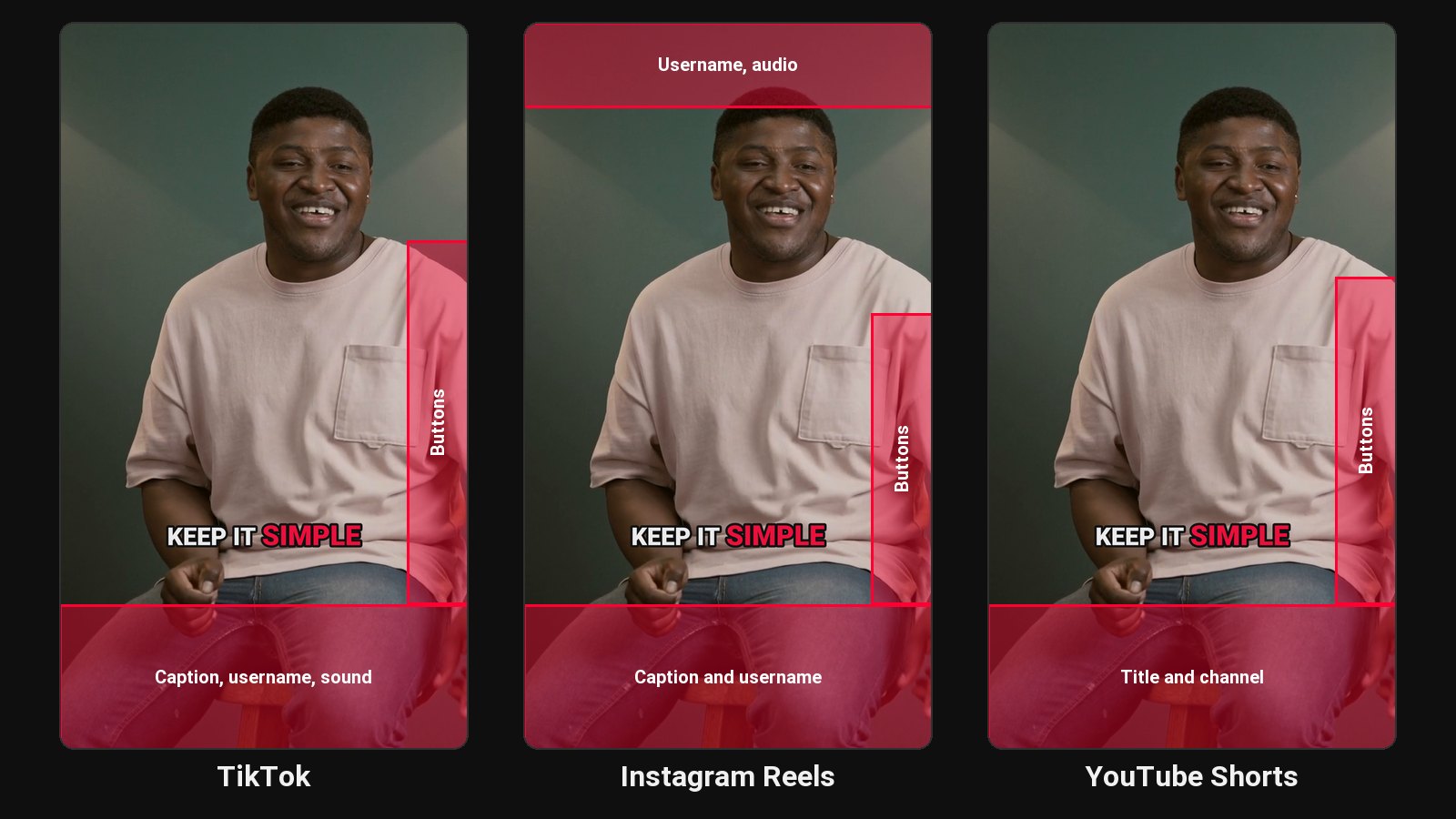
TikTok rewards videos that hold attention from the first second. Your long YouTube videos already contain those moments, buried in minute 14 of a 40-minute video. Pulling them out and reformatting them is the whole job.
What changes from YouTube to TikTok
| Long YouTube video | TikTok | |
|---|---|---|
| Shape | 16:9 horizontal | 9:16 vertical |
| Opening | Intro, context, then the point | The point, immediately |
| Sound | Most viewers have sound on | Many start with sound off |
| Length | 8 to 60 minutes | Usually 20 to 60 seconds for talking clips |
| Text | Title and description | Burned-in captions and a short caption |
How the conversion works
- Upload the original video file, or paste a Google Drive or Dropbox link.
- It picks moments that open strong. The picker looks for complete thoughts with a hook for a first line, and skips warm-up.
- It cuts on full sentences and reframes to 9:16, centred on the person in each shot.
- Captions go on, word by word, in seven styles. Bold, one-word-at-a-time styles are the TikTok look; see Hormozi-style captions.
Then schedule it to TikTok, or download it and post it yourself.
Tips for TikToks cut from long videos
- Post natively. Upload the file to TikTok; don't share a YouTube link.
- Don't reuse YouTube's end screen. End on the point, not "subscribe".
- Test one clip in two styles. Re-renders are free, so try two caption styles and keep what holds attention.
- Post often. Clips from one long video can fill a week.
Pricing
Starter $19/month for 4 hours of video a month; Pro $39/month for 20 hours. First 10 minutes free.
Common questions
Does ClipFlame tell me which clips are best?
Yes. Every clip gets a virality score from 0 to 100, clips come sorted best first, and clips scoring 80 or more are highlighted. Each video gives up to 20 clips, so you can post the strongest first.
Can ClipFlame post to TikTok for me?
Yes, on every plan. Connect your TikTok account, choose who can watch each post, and schedule it. See the scheduler.
Is it allowed to post YouTube clips on TikTok?
Yes, if the video is yours or you have permission.
What length should TikToks from YouTube videos be?
Most talking clips perform best at 20 to 60 seconds. ClipFlame's clips run 15 to 90.