ClipFlame for coaches
On this page
Coaches and consultants use ClipFlame to turn the long videos they already record (webinars, workshops, masterclasses, talks and YouTube videos) into short captioned clips for Instagram, YouTube Shorts, TikTok and Facebook, and posts them on a schedule.
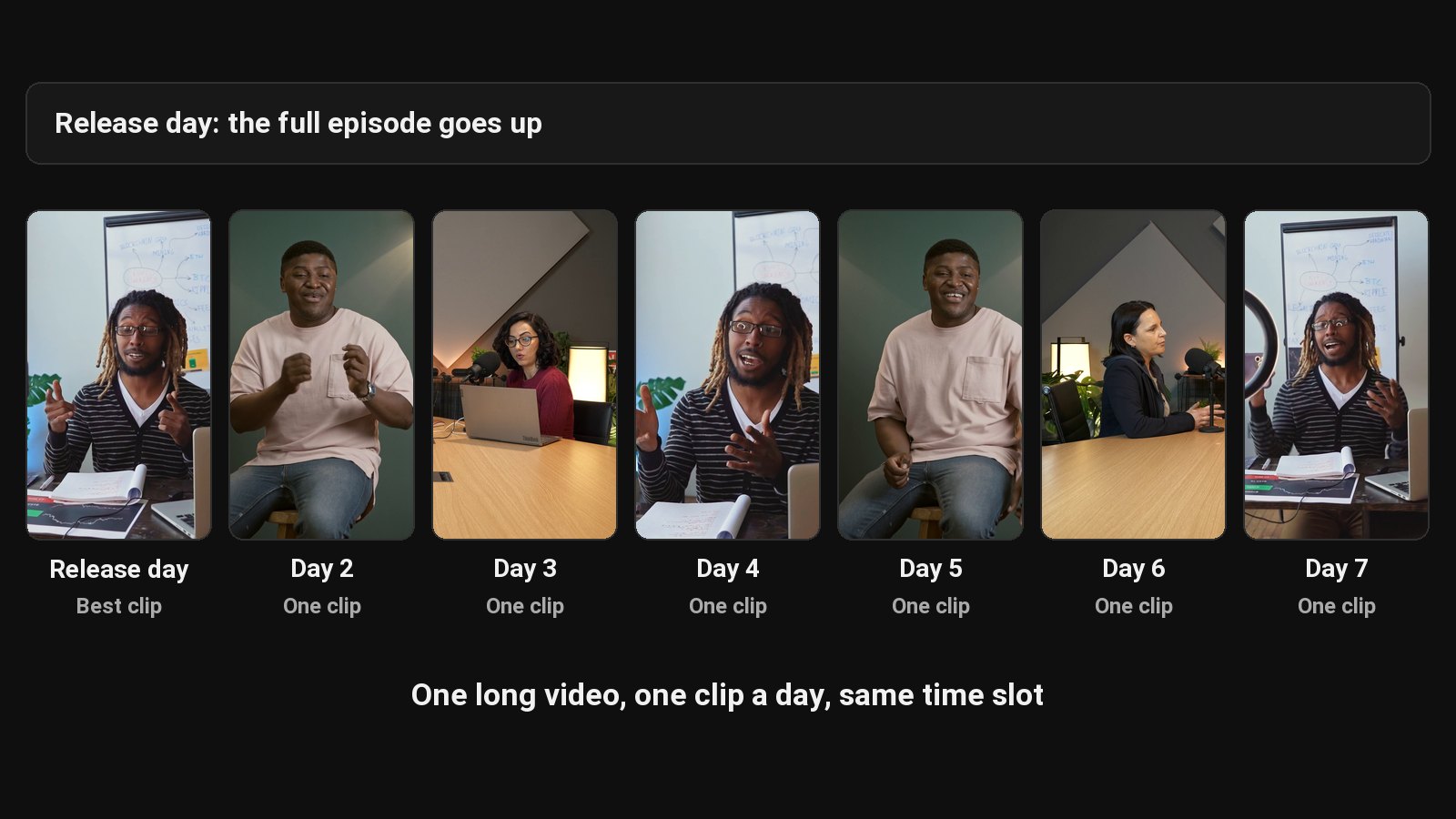
If you coach, you already say valuable things on camera every week. A free webinar, a workshop for a client group, a YouTube explainer. Then it sits on a hard drive. The people who'd hire you never see it, because nobody watches a 60-minute webinar replay from a stranger. They'll watch 40 seconds of you making one sharp point, and then look you up.
What to feed it
Any talking video you own the rights to:
- Webinars and masterclasses. Usually your best material, and the most wasted.
- Workshops and talks. Stage talks clip well: one speaker, prepared points, a live audience.
- YouTube videos and course lessons. Already scripted and structured.
- Live Q&As. Each good answer is a clip that speaks to a specific problem.
- Podcast guest spots, if the host shares the video file. See ClipFlame for podcasters.
Only upload client sessions if you have explicit permission from everyone on camera, and think about whether it belongs in public at all. Group calls and private sessions usually don't.
What comes out
From a one-hour webinar you can expect:
- Short clips, 15 to 90 seconds, each built around one complete point with a strong opening line. Captions are word by word, in one of seven styles, three of them in your brand colour.
- Scheduled posting to Instagram, YouTube, TikTok and Facebook (every plan).
The clips use only what you said in the video. Nothing invented.
Why clips work for coaches
They show how you think. A prospect watching you untangle a common problem in 45 seconds learns more about working with you than any sales page tells them.
They answer specific questions. "How do I price my first offer?" as a 50-second clip finds exactly the person asking it.
They send people to the full thing. Link the webinar replay, your free call or your newsletter. The clip does the filtering.
For a system that turns one recording into a week of posts across platforms, see content repurposing.
Your brand, consistently
On every paid plan, the brand kit adds your watermark and end card to every clip. Put your booking link or website on the end card and every clip becomes a small ad for your offer.
Pricing
| You record | Plan | Price |
|---|---|---|
| One webinar or talk a week, up to 45 minutes, with your watermark and end card | Starter | $19/month (4 hours of video a month) |
| Two or three hour-long sessions a week | Pro | $39/month (20 hours of video a month) |
Your first 10 minutes of video are free, with every Pro feature.
Common questions
Does ClipFlame tell me which clips are best?
Yes. Every clip gets a virality score from 0 to 100, clips come sorted best first, and clips scoring 80 or more are highlighted. Each video gives up to 20 clips, so you can post the strongest first.
Can ClipFlame post the clips for me?
Yes, on every plan. Connect your YouTube, Instagram, Facebook or TikTok account and schedule each clip with a few lines of your own; it goes out at the time you pick. See the scheduler.
Does it work with Zoom recordings?
Yes. Upload the MP4 from Zoom or paste a Google Drive or Dropbox link. Speaker view works best; gallery view gives the AI a grid of small faces to frame.
Can I use it in Hindi or another Indian language?
Yes. ClipFlame detects the spoken language and writes captions in it, across 9 languages including Spanish, Portuguese and Hindi.