ClipFlame for marketers
On this page
Marketing teams use ClipFlame to get more from the long videos they already produce: webinars, company podcasts, customer interviews, conference talks and founder videos. One upload gives captioned clips for Instagram, YouTube Shorts, TikTok and Facebook, scheduled to post.
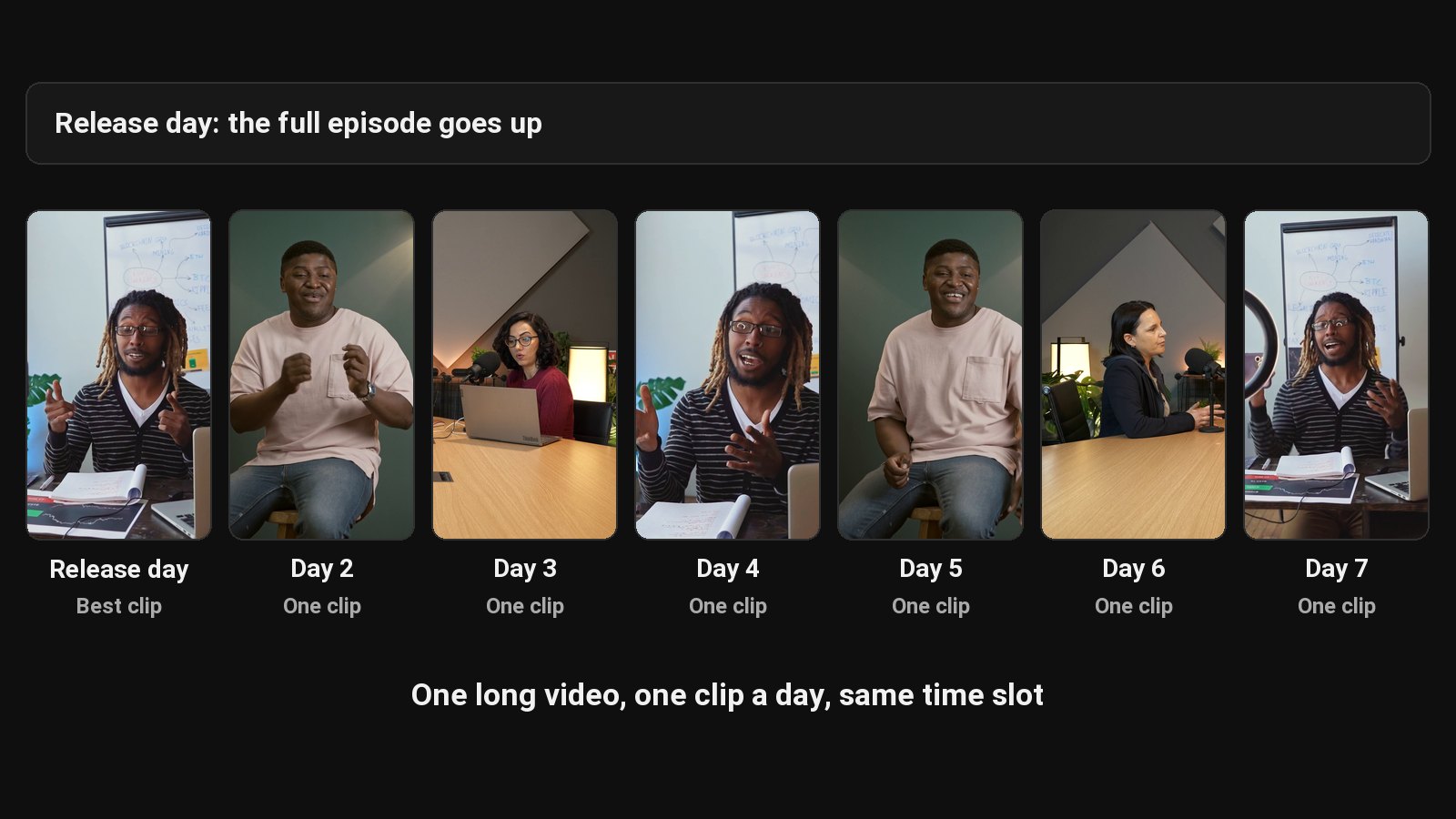
Most marketing teams under-use their best video. A webinar takes weeks to plan and gets one live audience and a replay link in a follow-up email. The expert's best three minutes are buried at the 37-minute mark. Clipping them by hand competes with every other deadline, so it doesn't happen.
What to repurpose
| Video | What it becomes |
|---|---|
| Webinars | Clips of each key point to promote the replay |
| Customer interviews | Short testimonial-style clips (with the customer's approval) |
| Company or brand podcast | Weekly clips, posted on a schedule |
| Conference talks | Highlight clips for social and your events page. See ClipFlame for events |
| Founder and expert videos | Thought-leadership clips for Shorts, Reels and TikTok |
What each upload gives you
- Clips in 9:16, 4:5 and 1:1, cut on full sentences, framed on the speaker, with word-by-word captions in seven styles.
- Scheduling on every plan: the scheduler posts each clip to YouTube, Instagram, TikTok and Facebook at the time you pick.
- Brand kit on every paid plan: your logo watermark, an end card and captions in your brand colour.
Every clip is drawn only from what's said in the video. No invented stats or claims, which matters when legal reviews your posts.
How it fits your workflow
- Export the webinar or video (or share a Google Drive or Dropbox link).
- Upload to ClipFlame.
- Review clips with the speaker or subject-matter expert; drop anything that loses nuance out of context.
- Schedule the approved clips.
ClipFlame can post the clips itself to YouTube, Instagram, TikTok and Facebook, or hand them to your existing scheduler. It doesn't integrate with marketing automation.
Pricing
Starter $19/month for 4 hours of video a month; Pro $39/month for 20 hours. Both include the brand kit. Your first 10 minutes of video are free, with every Pro feature.
Common questions
Does ClipFlame tell me which clips are best?
Yes. Every clip gets a virality score from 0 to 100, clips come sorted best first, and clips scoring 80 or more are highlighted. Each video gives up to 20 clips, so you can post the strongest first.
Can we use ClipFlame for customer testimonial clips?
Yes, if the customer agrees. Clips come out as standalone moments, which suits testimonials.
Does it support our brand fonts?
Captions use Roboto (and Noto Sans Devanagari for Hindi). Your brand colour applies to three caption styles, and the end card and watermark carry your branding.
Is there a team plan?
Not yet. One account has one brand kit. See ClipFlame for agencies for how teams handle this today.