ClipFlame for finance creators
On this page
Finance creators, advisors and fintech marketing teams use ClipFlame to turn long explainers, market commentary, webinars and podcasts into short captioned clips for YouTube Shorts, Instagram, TikTok and Facebook. Every clip is cut on full sentences and reviewed by you before it goes anywhere.
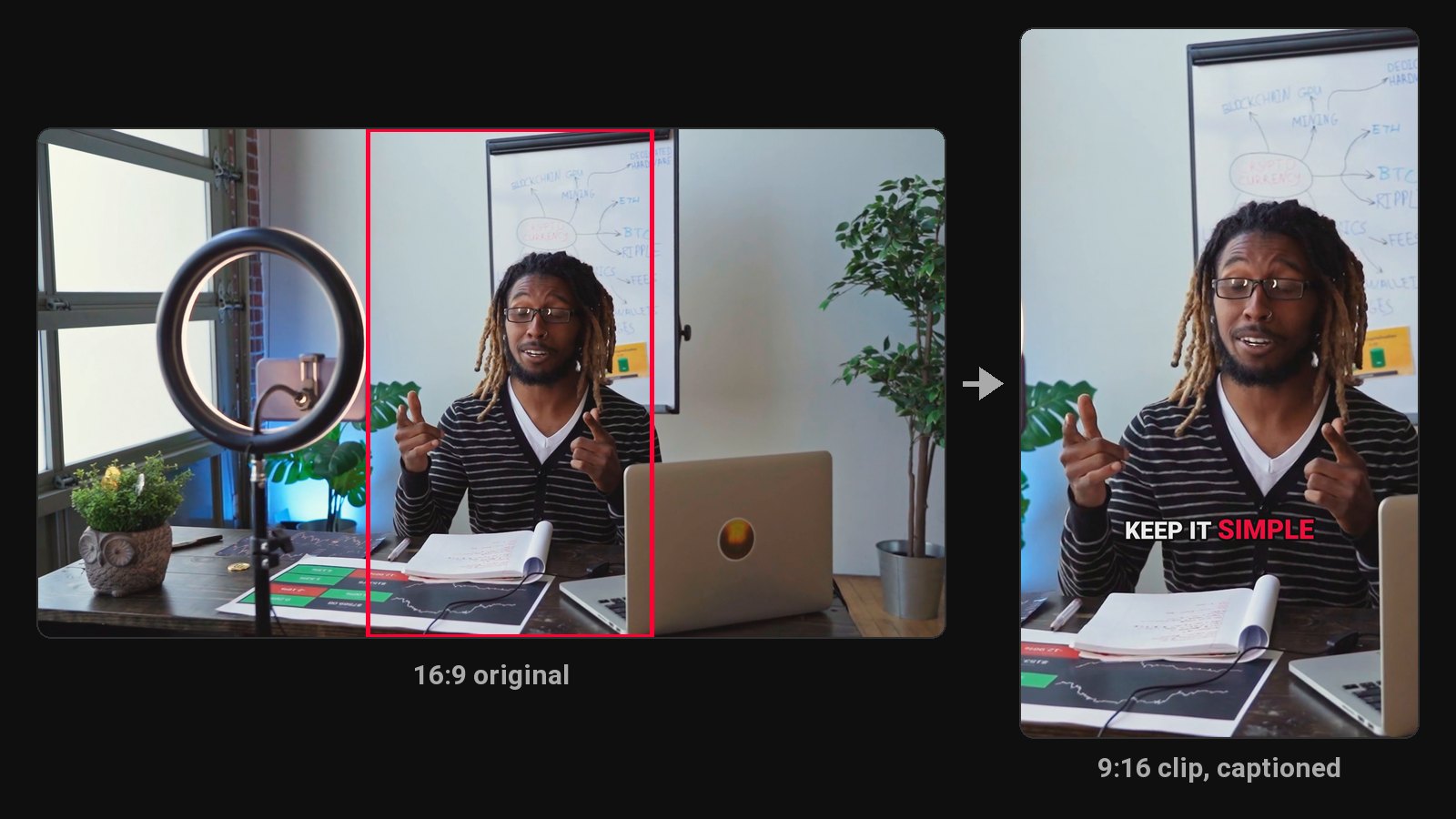
Finance is a topic where people want clear explanations and are wary of hype. Your long videos already have the clear explanations: how a tax rule works, why a fund's fees matter, what a rate change means. ClipFlame finds those moments and makes them readable on a phone.
What finance content clips well
- Explainers: one concept, one clip.
- Market and news commentary, while still relevant.
- Webinars for clients or prospects.
- Podcasts and interviews with other advisors or experts.
- Q&As on budgeting, investing basics, tax season questions.
Accuracy and compliance come first
Financial content is regulated in most countries, and a sentence cut from context can read as advice. ClipFlame helps by always cutting on full sentences and picking complete thoughts, but you should:
- Review every clip before posting, especially numbers and anything that sounds like a recommendation.
- Add required disclaimers with the brand kit's end card, or in the post caption.
- Keep the full video available so viewers can find the context.
ClipFlame's clips use only what's said in your video. It doesn't add figures, predictions or claims of its own.
What you get
- Clips in 9:16, 4:5 and 1:1 with word-by-word captions. Clean and Boxed styles suit a measured, professional tone.
- On every plan: the scheduler posts each approved clip at the time you pick, so nothing goes out before review.
Languages
Captions come out in the video's spoken language, across 9 languages, including Hindi for Indian finance creators.
Publishing explainers on YouTube? See the YouTube Shorts maker. Creating in Hindi? See Hindi captions.
Pricing
Starter $19/month for 4 hours of video a month; Pro $39/month for 20 hours. Both include the brand kit. Your first 10 minutes of video are free.
Common questions
Does ClipFlame tell me which clips are best?
Yes. Every clip gets a virality score from 0 to 100, clips come sorted best first, and clips scoring 80 or more are highlighted. Each video gives up to 20 clips, so you can post the strongest first.
Will ClipFlame add disclaimers automatically?
No. Add them on the brand kit end card or in each post's caption.
Can a clip misrepresent what I said?
Any clip can lose context. ClipFlame cuts complete thoughts on full sentences, but always review before posting.