ClipFlame for educators
On this page
Educators use ClipFlame to turn long lessons, lectures, course videos and webinars into short captioned clips that each explain one idea, scheduled to the platforms your students use. It's used by course creators, educational YouTubers, tutors and trainers, in 9 languages.
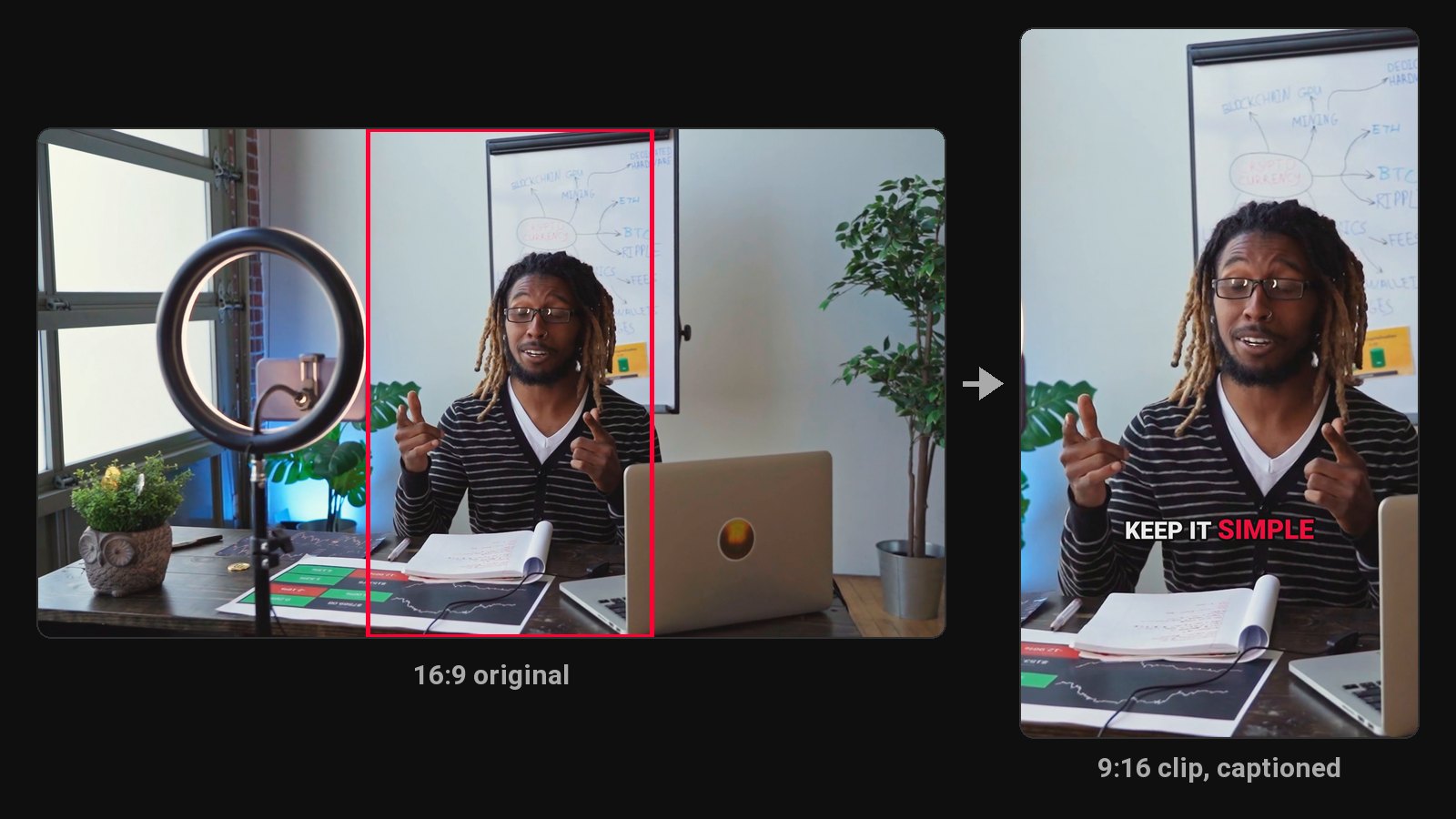
A 50-minute lesson works for students who sit through it. Everyone else needs a way in: a 60-second clip that explains one concept clearly, and points them to the full lesson.
What educators make with it
Concept clips. The picker looks for complete explanations with a clear opening, such as "The reason compound interest feels slow at first is...". Those make strong Shorts and Reels, and they send new learners to your full lesson or course.
Captioned for learning. Word-by-word captions help with technical terms; fix any term in the editor and re-render for free.
A steady posting schedule (every plan). The scheduler posts a concept clip a day to YouTube, Instagram, TikTok and Facebook, so your channel stays active between lessons.
Good fits
- Recorded lectures and class sessions (with consent from anyone else on camera)
- Online course lessons
- Educational YouTube explainers
- Webinars and live classes
- Exam-prep and tutoring sessions
Slides-heavy recordings work too: shots with no one in frame are shown whole over a blurred background, so slides stay readable in vertical.
Teaching in Hindi
ClipFlame detects the spoken language and captions in it, including Hindi, with a font that renders Devanagari properly.
Captions help learning
Captions help students follow technical terms, learners watching in a second language, and anyone who's hard of hearing. Clean and Boxed styles are the most readable for longer explanations. Fix any technical term in the editor and re-render for free.
Pricing
Starter $19/month for 4 hours of video a month; Pro $39/month for 20 hours. Both include the brand kit. Your first 10 minutes of video are free.
Common questions
Does ClipFlame tell me which clips are best?
Yes. Every clip gets a virality score from 0 to 100, clips come sorted best first, and clips scoring 80 or more are highlighted. Each video gives up to 20 clips, so you can post the strongest first.
Can I use ClipFlame for classroom recordings?
Yes, if you have consent from everyone who appears or speaks, and your institution allows it.
Does it work with screen recordings and slides?
Yes. When nobody's in the shot, the whole frame is shown over a blurred background so slides stay readable.
Can it make a transcript of my lesson?
ClipFlame transcribes to find and caption clips, but it isn't a transcript export tool.