How to make MrBeast style captions
On this page
MrBeast style captions are large, bold words in bright colours (white, yellow, green) with a thick black outline, shown one to three words at a time in the middle of the screen, each word popping or bouncing in as it's spoken. To make them, pick a chunky display font, add a heavy stroke, set captions to one to three words, add a pop-in animation and centre them.
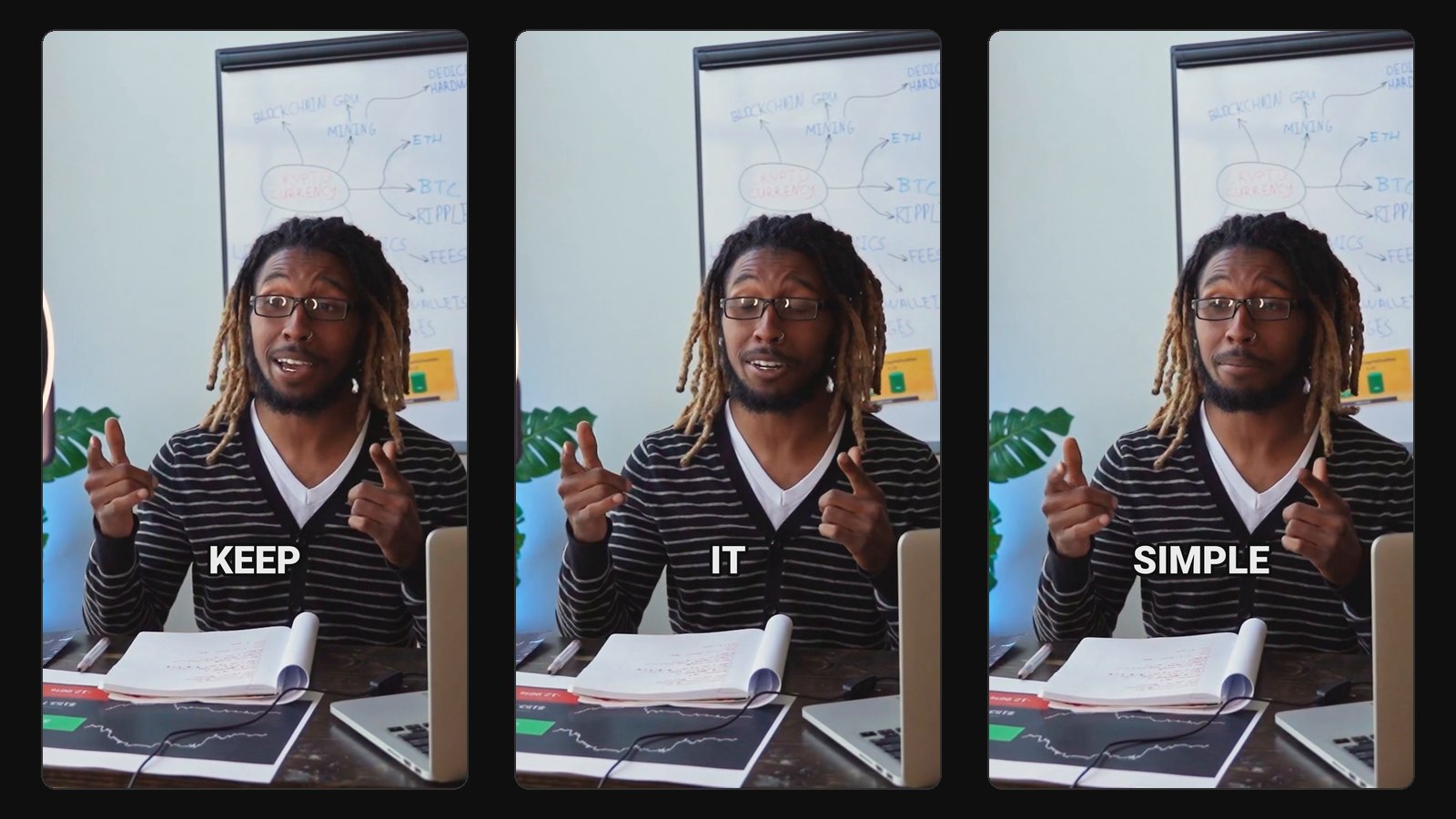
The look is built for attention: every word lands like a small event. It's close to the Alex Hormozi caption style, but louder: rounder fonts, more colour and more movement.
What defines the style
- A chunky, rounded display font. Creators imitating the look often use Komika Axis or a similar comic-style font, or a heavy sans-serif like Montserrat Black.
- Thick black outline, often with a drop shadow, so text reads over any scene.
- Bright fills. White as the base, with key words in yellow, green or red.
- One to three words at a time. Never a full sentence.
- Pop-in animation. Each word scales up from small, sometimes with a slight bounce or rotation.
- Centre of the frame, where the eye already is.
Make them in CapCut
- Import your clip and generate Auto captions.
- Select all captions, open Text, and choose a heavy rounded font. Turn on all caps.
- Set the stroke thick and black; add a shadow.
- Reduce the words per caption to one to three.
- Apply an In animation such as a pop or bounce to the caption track.
- Recolour key words by hand: numbers, money, names, the payoff.
- Move captions to the centre and proofread.
Manual recolouring is the slow part. Budget 10 to 15 minutes per clip.
Make them automatically
If your clips come from long videos, ClipFlame captions them as it cuts them. Its closest styles to the MrBeast look:
- One Word: one big word at a time, popping in from 70% size, with a heavy outline.
- Brand Colour: bold caps where the spoken word is highlighted in your colour and pops in.
- Karaoke: words fill with colour as they're spoken.
Set your brand colour to yellow or green for the classic look, or keep your own colour so clips look like yours. ClipFlame doesn't recolour individual keywords or add emojis; for that final polish on a hero clip, open it in CapCut after. See all seven styles.
When it's too much
The MrBeast style suits high-energy entertainment, challenges and big reveals. On a thoughtful interview, a sermon or a finance explainer, it fights the tone. A calmer style like Clean or Boxed will keep viewers who came for substance.
Common questions
What font does MrBeast use for captions?
His team hasn't published one. Creators copying the look commonly use Komika Axis or a heavy sans-serif like Montserrat Black with a thick outline.
Are MrBeast captions the same as Hormozi captions?
Similar structure (few words, centred, bold), but MrBeast style is rounder, more colourful and more animated. Hormozi style is plainer: white caps with one highlight colour.
Can I make MrBeast captions for free?
Yes, in CapCut, with some manual work per clip. ClipFlame's free trial captions every clip from your first 10 minutes of video in its One Word or Brand Colour style.