Best Descript alternatives
On this page
If you use Descript mainly to cut short clips, ClipFlame is the best alternative. Upload the episode and it finds up to 20 moments, scores each one for virality, cuts them on full sentences, captions them and schedules them to four platforms, for $19 a month. Descript's full AI clip creation starts on its $35 Creator plan. Other options: Opus Clip, Riverside, Vizard and CapCut.
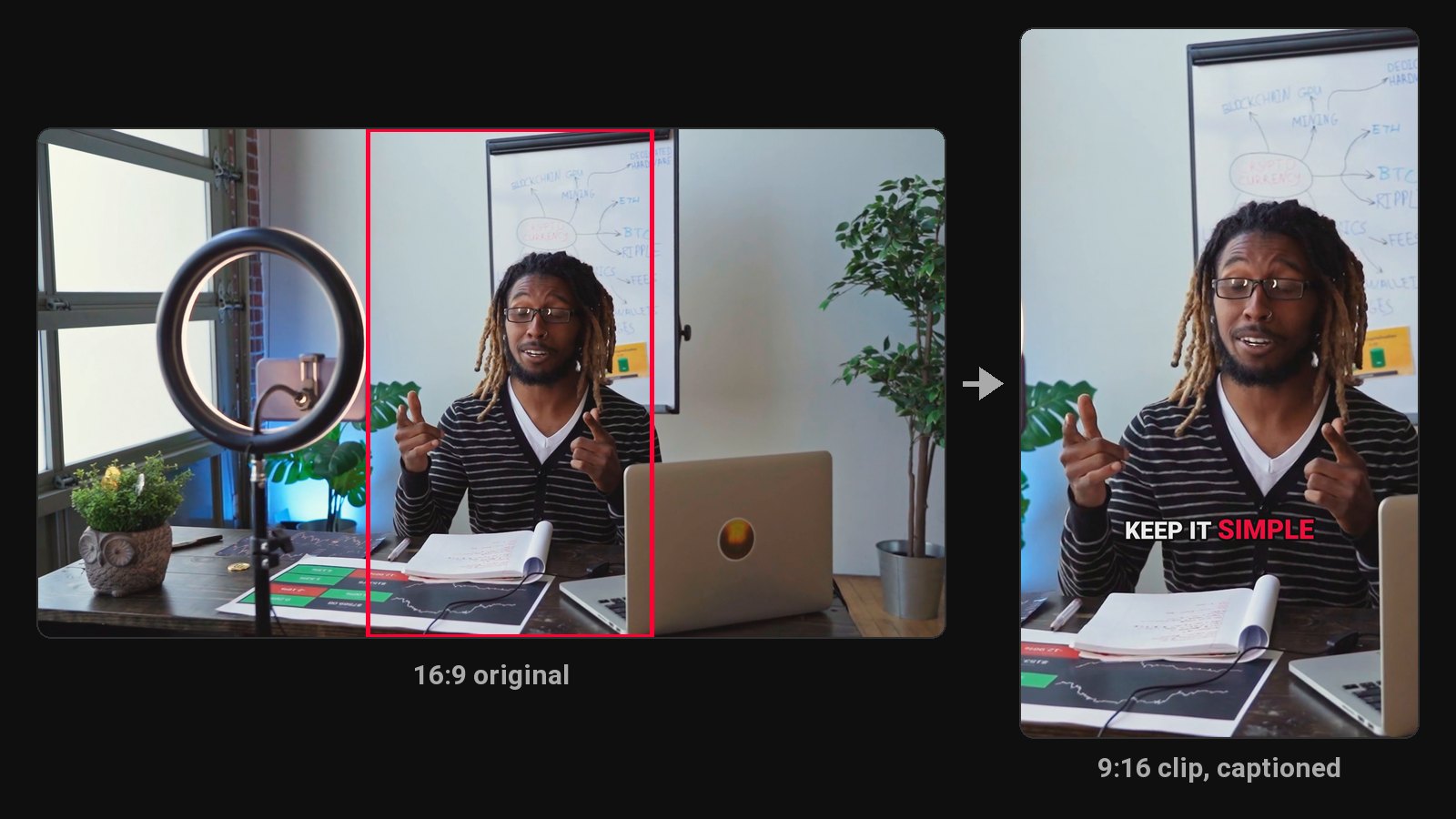
Descript is a full editor: you edit a video by editing its transcript, clean up audio and export the episode. Plenty of people open it once a week just to find four clips in a podcast, and pay for a whole editor to do it. This page is for them.
Disclosure: we make ClipFlame. Prices were checked on each tool's pricing page in October 2026 and are monthly-billing prices unless noted.
Descript's plans, for reference
| Plan | Monthly | Yearly (per month) | Media hours | AI clip creation |
|---|---|---|---|---|
| Free | $0 | $0 | 1 hour | Limited, 720p, watermarked |
| Hobbyist | $24 | $16 | 10 hours | Limited |
| Creator | $35 | $24 | 30 hours | Yes |
| Business | $65 | $50 | 40 hours | Yes |
So a Descript clip workflow realistically starts at $35 a month, or $24 billed yearly.
Quick comparison
| Tool | Paid from | Finds clips for you | Virality score | Scheduling | Free option |
|---|---|---|---|---|---|
| ClipFlame | $19/mo ($16 yearly) | Yes, up to 20 per video | Yes, every clip | Every plan | First 10 minutes of video free |
| Opus Clip | $15/mo | Yes | Yes | Pro, $29/mo | Free plan, watermarked |
| Riverside | $29/mo ($24 yearly) | Yes, Magic Clips | Not listed | Grow plan, $39/mo | Free plan, 720p, watermarked |
| Vizard | $29/mo ($14.50 yearly) | Yes | Yes | Yes | 60 min/mo, 720p, watermarked |
| CapCut | Free (Pro $19.99/mo) | Basic long-to-short tool | No | Not listed | Yes |
1. ClipFlame
ClipFlame skips the editor. Upload the episode, as a file or a Google Drive or Dropbox link, and it reads the transcript, picks every moment that makes sense on its own, and cuts up to 20 vertical clips that start and end on full sentences. Captions are burned in word by word, and the crop follows the speaker.
Why Descript users switch:
- No editing to do. The clips come back finished: cut, framed, captioned and scored.
- Every clip scored 0-100, sorted best first, with clips scoring 80 or more highlighted, so you post the strongest ones first.
- Clips posted for you. The scheduler posts each clip to YouTube, Instagram, TikTok and Facebook, with a title, caption and hashtags written for each platform. It's on every plan.
- About half the price of Descript Creator for clips: $19 a month for 4 hours of video.
- Still adjustable. Nudge a clip's edges, fix a caption word or switch among seven caption styles, then re-render for free, up to 30 times per video.
- 9 languages, detected automatically, including Hindi in Devanagari, with caption translation.
Pricing: Free trial (first 10 minutes of video). Starter $19/month ($16 yearly) for 4 hours of video. Pro $39/month ($32 yearly) for 20 hours and 3 brands. See plans.
If you edit the full episode in Descript, keep doing that and upload the finished file to ClipFlame for the clips. Full comparison: ClipFlame vs Descript.
2. Opus Clip
Opus Clip is a clip tool billed per minute: 150 minutes on Starter ($15), 300 on Pro ($29), where the scheduler sits. Every clip gets a virality score. See Opus Clip pricing.
3. Riverside
Riverside records remote guests locally in high quality, then offers text-based editing and Magic Clips from the same recording. Pro is $29 a month ($24 yearly) with 5 hours of multitrack recording, and social scheduling is on Grow at $39.
Best for: recording remote interviews. See Riverside Magic Clips alternatives.
4. Vizard
Vizard's Creator plan includes 600 minutes of uploads a month for $29 ($14.50 yearly). The free plan is 720p with a watermark, and the brand kit is on Business. See ClipFlame vs Vizard.
5. CapCut
CapCut is a free timeline editor with strong auto captions and a basic long video to shorts tool. You refine every cut yourself. Our long video to short video guide covers the manual side.
Using Descript and ClipFlame together
Plenty of podcasters do: edit the full episode in Descript, export it, then upload the finished file to ClipFlame. The clips keep your cleaned-up audio, and you stop spending Descript media hours hunting for Shorts.
How to choose
| If you... | Pick |
|---|---|
| Only use Descript to make clips | ClipFlame |
| Want clips ranked by a virality score | ClipFlame |
| Want clips posted to four platforms automatically | ClipFlame, scheduler on every plan |
| Want to spend less than $20 a month on clips | ClipFlame Starter |
Common questions
What is a cheaper alternative to Descript for clips?
ClipFlame Starter is $19 a month ($16 yearly) for 4 hours of video, which covers a weekly one-hour podcast, with scheduling included. Descript's full AI clip creation is on Creator, $35 a month or $24 billed yearly.
Does Descript make short clips automatically?
On paid plans its AI assistant can pick moments and turn them into clips, which you then finish in the editor. ClipFlame returns finished, captioned and scored clips without an editor.
Is there a free Descript alternative?
CapCut is free for manual editing. For automatic clips, ClipFlame's free trial clips your first 10 minutes of video.