Podcast thumbnail maker
On this page
ClipFlame makes YouTube thumbnails for podcast episodes. Add photos of the host and guest, screenshots from the episode and the line you want on it, and it designs two thumbnails in a podcast layout: you at the mic, or host and guest side by side, with the headline in big type.
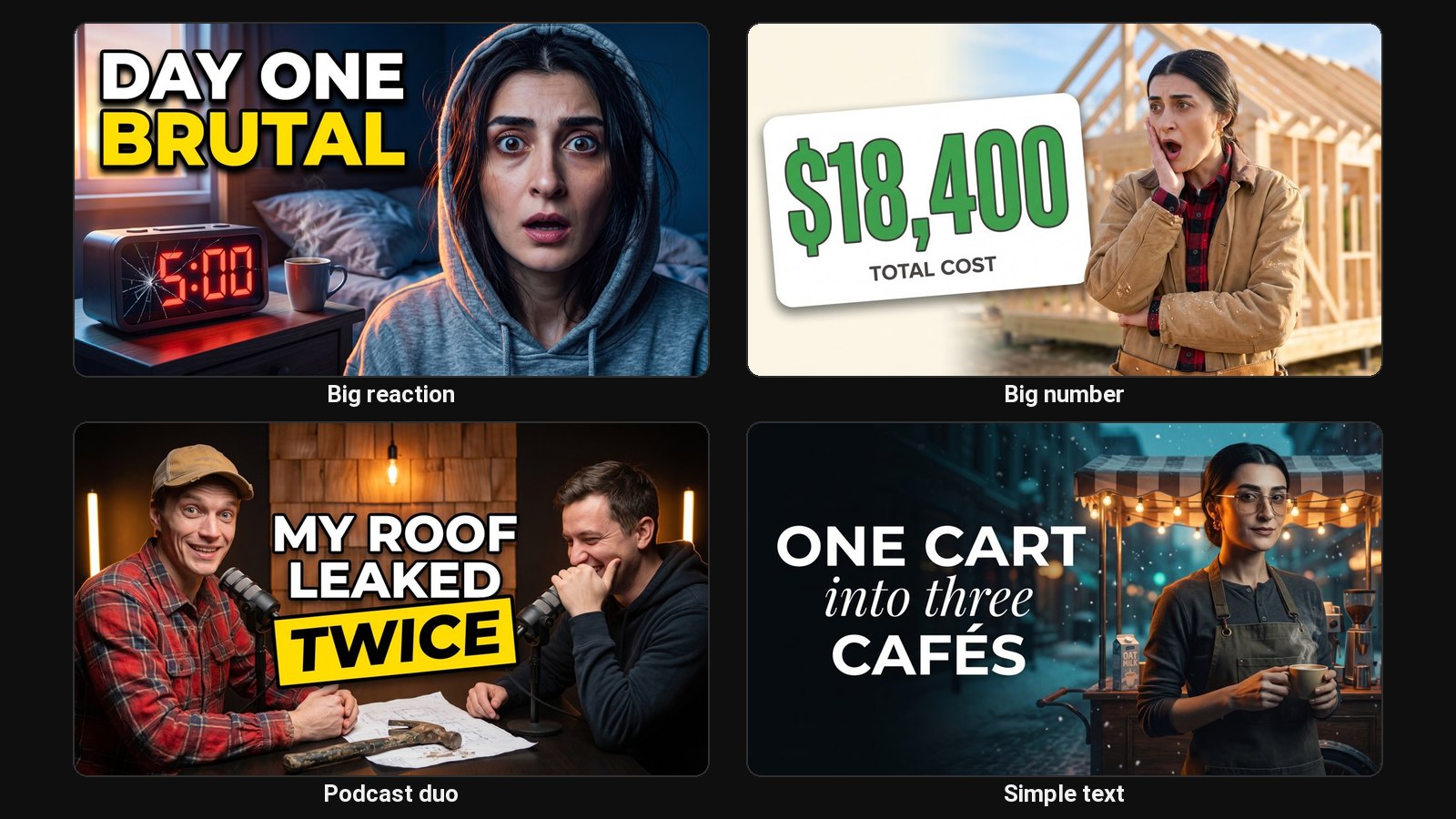
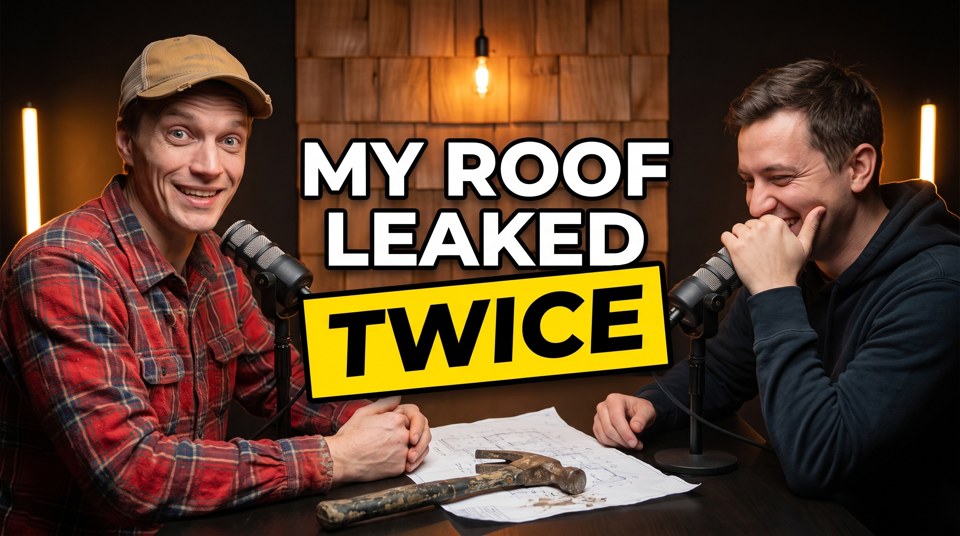
Podcast thumbnails have a harder job than most. Every episode looks the same on camera: the same studio, the same mics, the same people. The thumbnail has to say what makes this one worth an hour, and it has to say it in four words. That's the guest and the most surprising thing they said.
Podcast layouts
- Podcast: the host at a studio mic on one side, a stacked headline on the other with the key phrase on a highlight box. For solo shows and when the topic matters more than the guest.
- Podcast Duo: host and guest side by side at their mics, the headline between them. For interviews where the guest draws the click.
- Podcast (Shorts): a 9:16 version for clips on Shorts, Reels and TikTok.
The headline comes from the episode
ClipFlame transcribes the whole episode and writes the brief from what was said. The strong opinion, the number, the confession: that's the line that goes on the thumbnail. Add direction if you want a specific moment, such as "the part about quitting his job".
Audio-only podcast?
Add photos of the host and the guest. Save the host's photos once and they fill in on every episode. Or pick a faceless layout that shows the topic instead of people.
Clips and thumbnails from one upload
Upload the episode to the podcast clip maker and you get the clips for Shorts, Reels and TikTok with captions. Each clip then has a Thumbnail button for its own cover. One upload, the episode thumbnail and a week of clips.
Podcast thumbnail tips
- Lead with the guest if they're known. A recognisable face beats any headline.
- Use their words. A short quote in quotation marks feels like a moment from the show.
- Keep the show's look. Same fonts and colours each episode so subscribers spot it, different faces and words so it doesn't look like a rerun.
- Skip the episode number. "EP 142" uses space and tells a new viewer nothing.
Common questions
Can I make thumbnails for both the host and the guest?
Yes. Add up to three photos of the people in the episode. The Podcast Duo layout puts two people side by side.
What size are podcast thumbnails?
1280 × 720 for the YouTube episode and 1080 × 1920 for clips. Square podcast cover art for Spotify and Apple is a different, fixed image and doesn't change per episode.
Can I keep the same style for every episode?
Pick the same layout each time and add your show's colours to the direction, such as "yellow highlight, black and white photo". The text stays editable, so the fonts can match too.